
A toolbox made for image work
MiniPic is a toolbox made for image work. The web app compresses images online with no sign-up, and the desktop app for Mac and Windows brings together screenshots, screen recording, OCR, screenshot translation, an image viewer and a color picker.
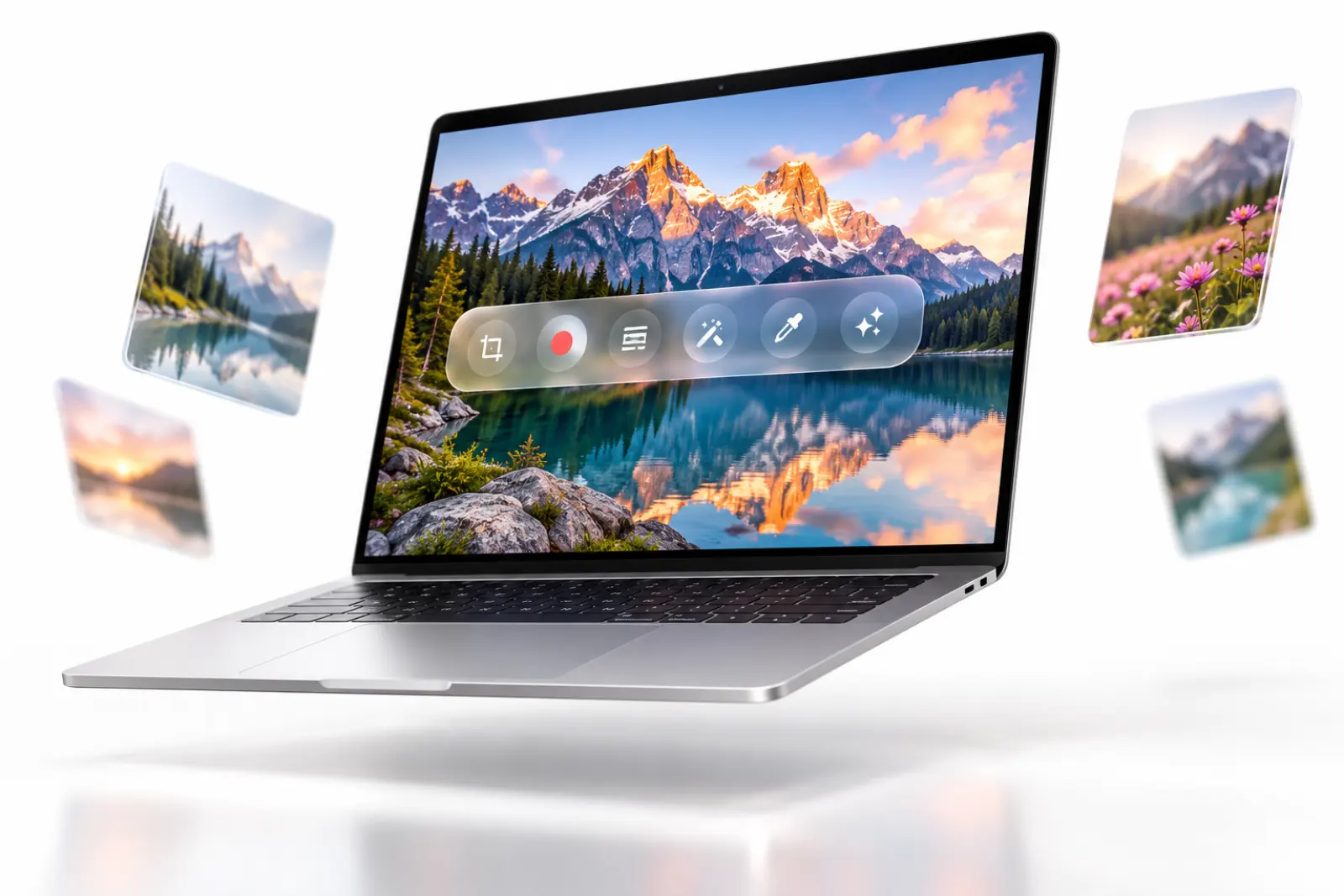
Highlights at a glance.
Compress online
Open the page and drop images in. 100 a day with no sign-up, and all three quality modes are free.
Online image compression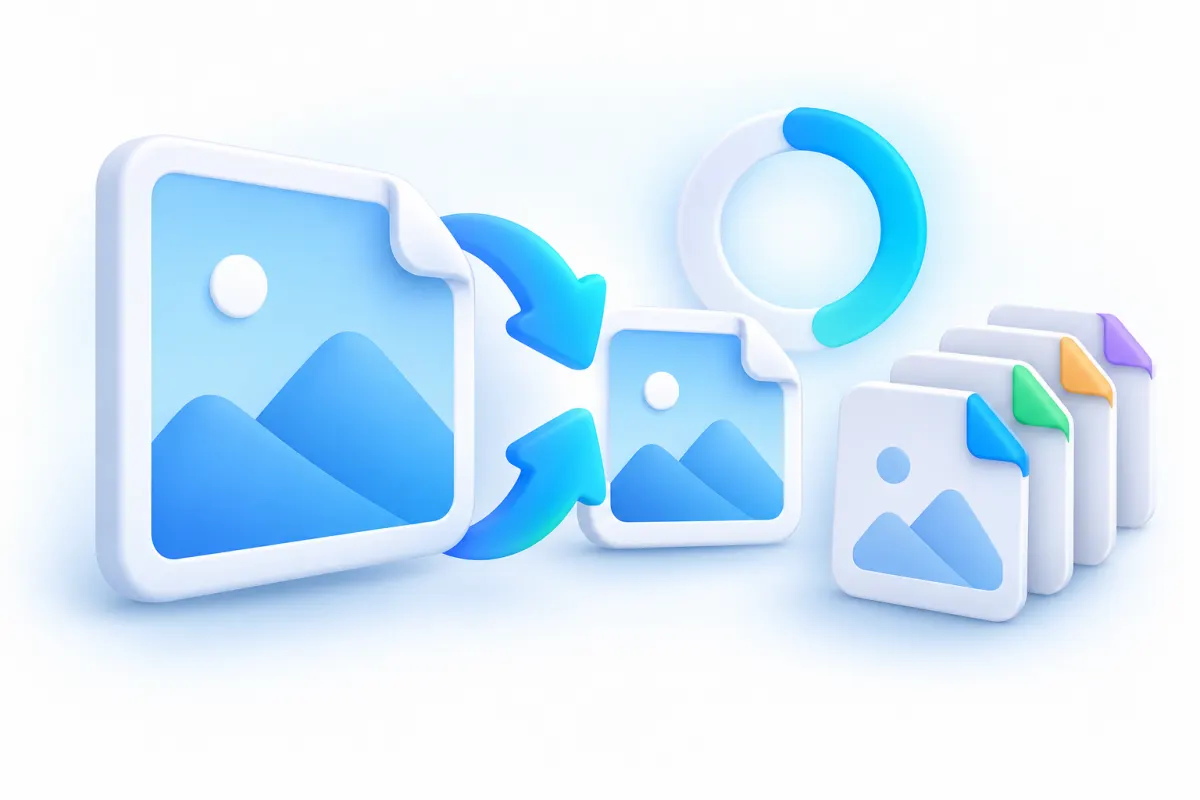
Screenshot
Switch between region, window and full screen on the fly, annotate with 7 tools in one pass, and save compressed by default.
Learn about screenshots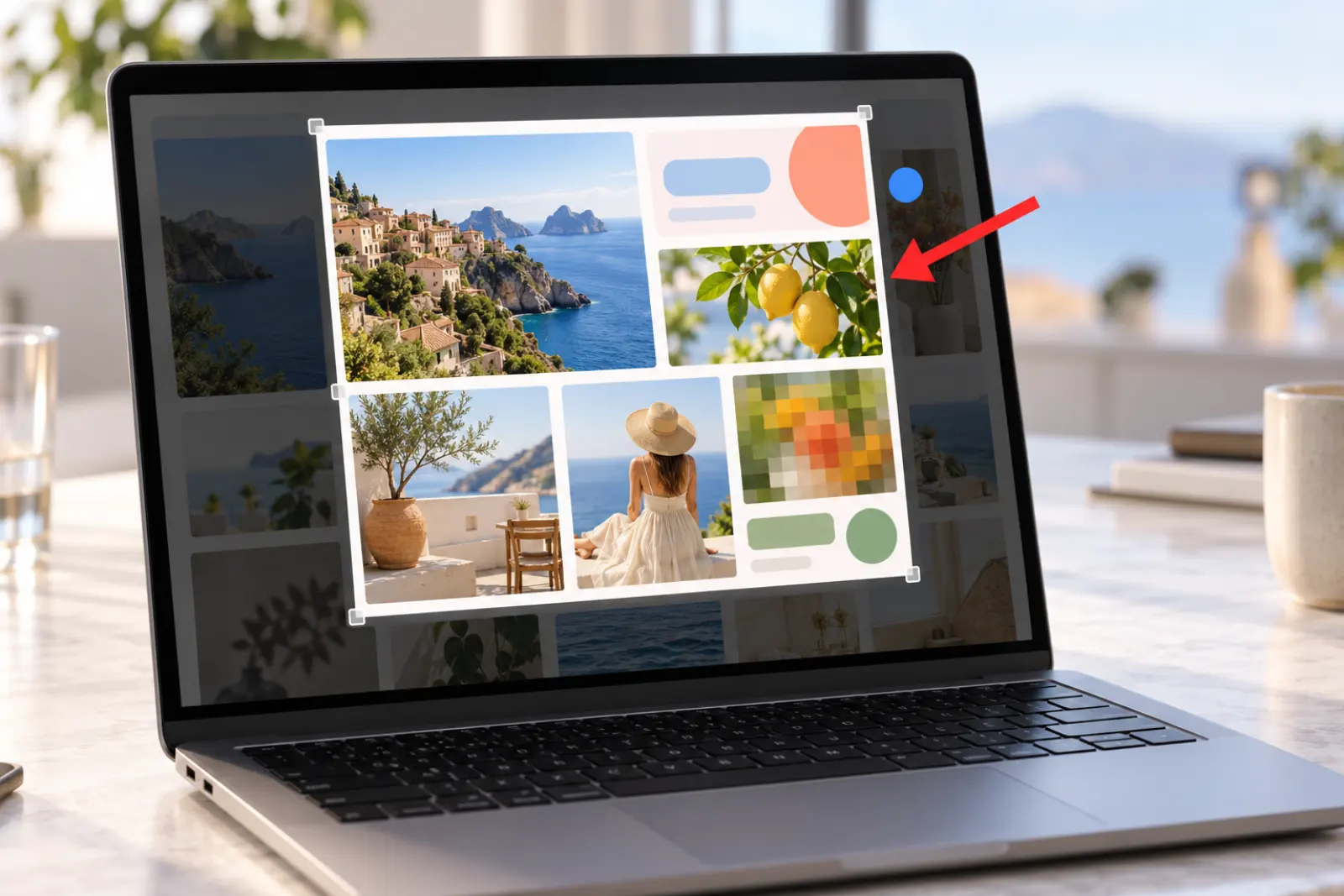
Scrolling screenshot
Web pages, chat histories, long documents: it stitches as you scroll and captures the whole page in one go.
Learn about scrolling screenshots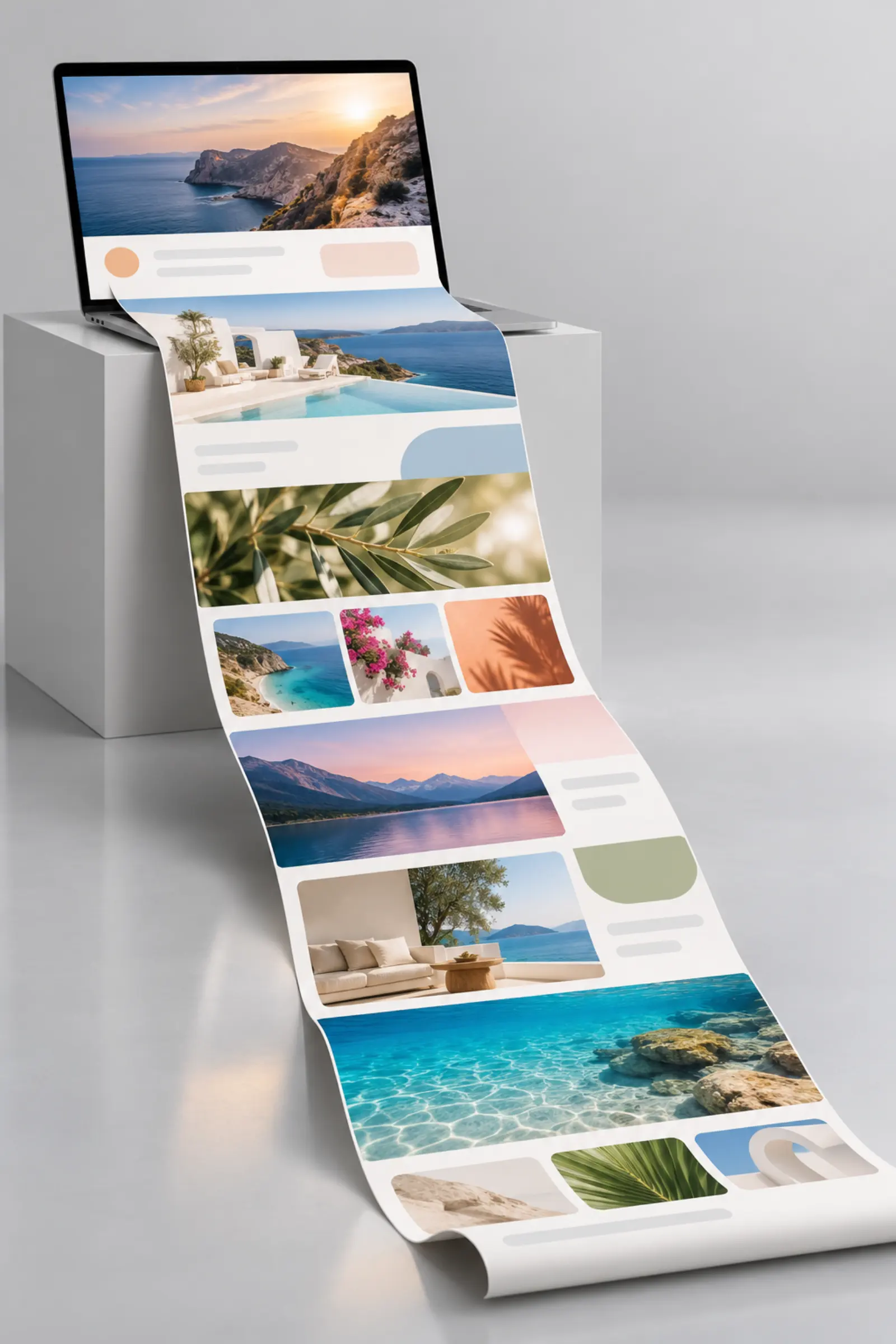

Screen recorder
Record to MP4, or straight to a GIF compressed by our in-house engine. Free to use, with a badge on recordings; no watermark with Pro.
Learn about screen recording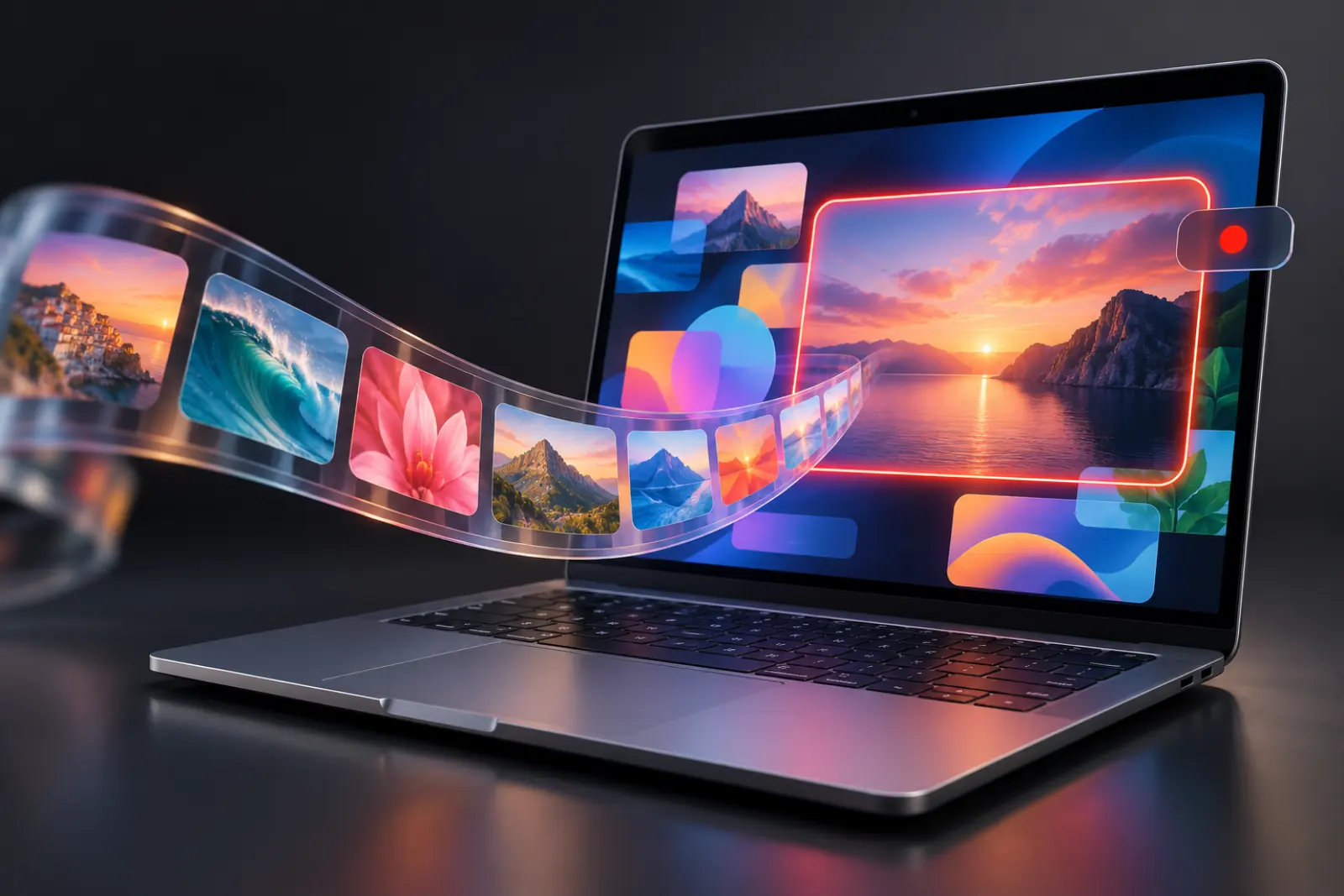

OCR
Turn the text in a screenshot into copyable text in one click. Recognition happens on your computer, and images aren’t uploaded.
Learn about OCR

Screenshot translation
Capture a foreign-language screen, and the translation is written right back where the text was. Works on Mac and Windows.
Learn about screenshot translation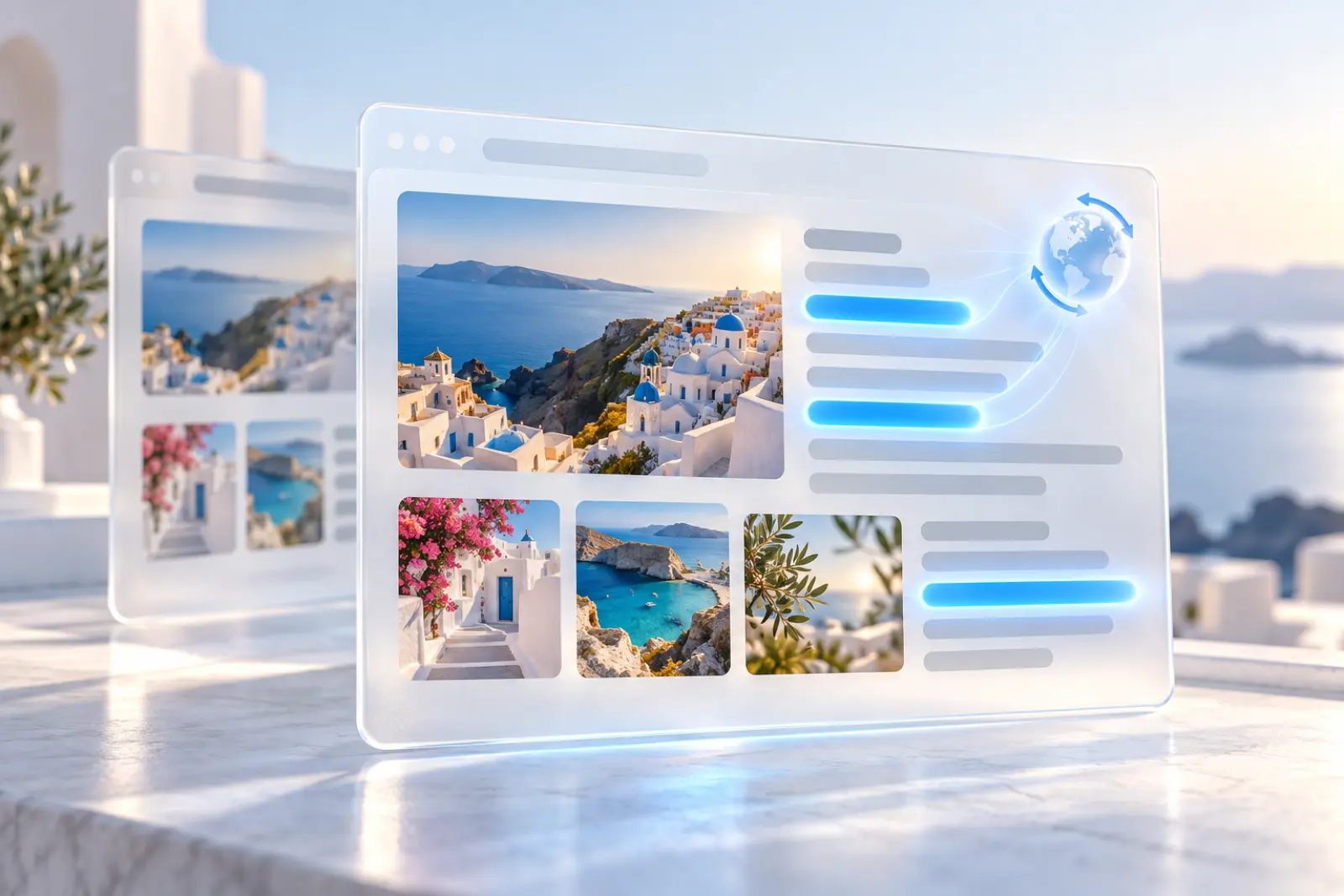

Image viewer
Double-click to view, compress in one click while you look, and compare before and after with a slider.
Learn about the image viewer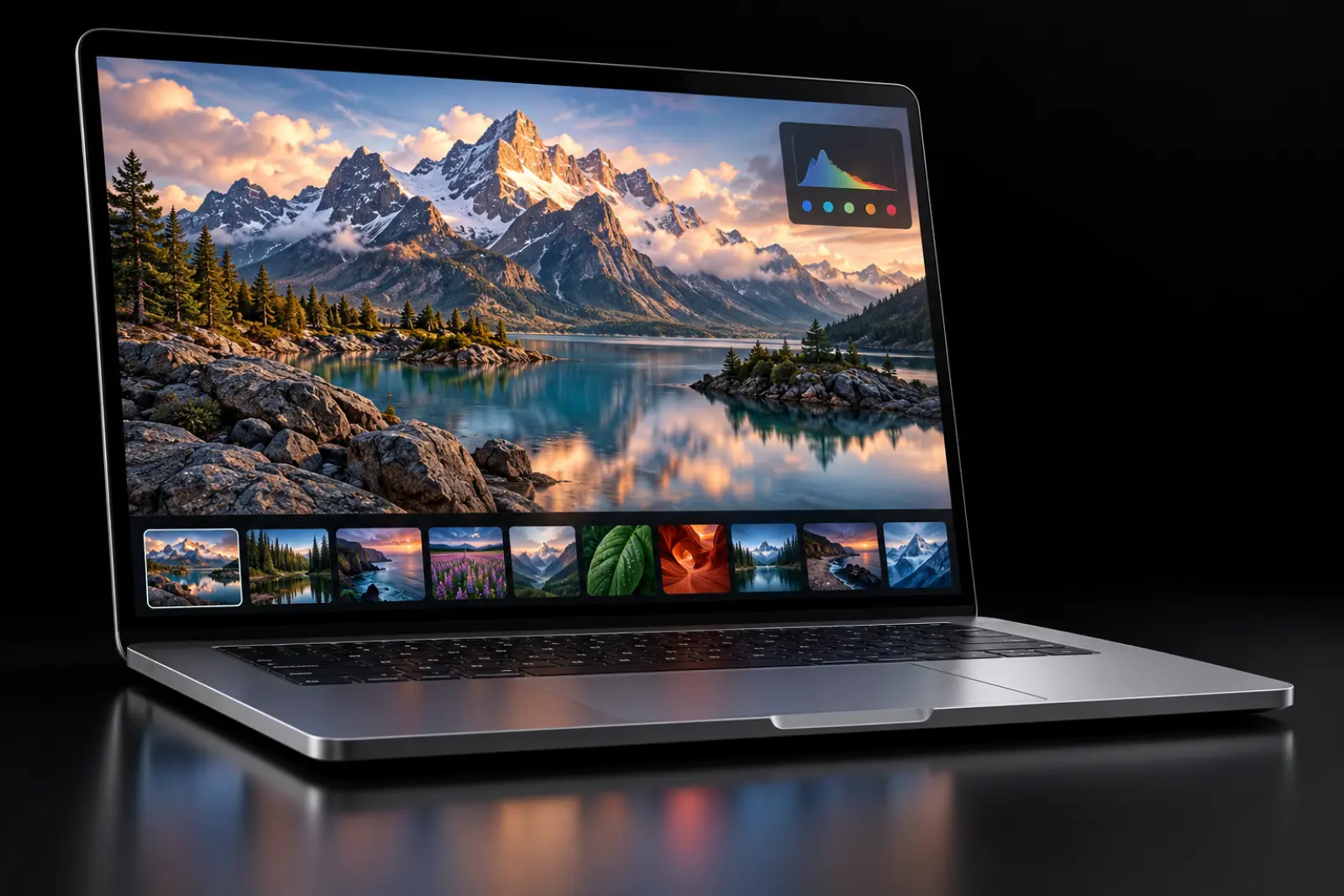
Remove background
Detect the subject on your computer, remove the background in one click, and export a transparent PNG. 3 free a day, Mac only.
Learn about background removal

AI image
Describe it to create or edit an image. New users get 20 credits, and Pro includes 80 a month.
Learn about AI image generation
Lightweight
Room for the whole toolkit. Light as a feather.
Screenshots, screen recording, OCR, image viewing and compression, all in one app. The installer is about 18 MB, and it uses only about 50 MB of memory in the background.

Installer, about
18MB
Memory in the background, about
50MB
Image compression
MiniPic’s own engine. Smaller images.
Online image compression is ready the moment you open the page, with 100 images a day and no sign-up.
Screenshots are compressed by default when saved, recorded GIFs go through our in-house engine, and cutouts and AI images can be compressed in one click on export.
Compress images online for freeSee the full quality benchmark
75.3%
Average PNG size reduction
56.6%
Average JPEG size reduction
Public benchmark set: 71/71 PNG and 51/51 JPEG images each passed the perceptual-quality check. Report dated 2026-07-10.
Capture & recording
Screenshots, scrolling screenshots, recordings. One kit.
7 annotation tools, pinning and scrolling screenshots are all free; screenshots are compressed by default when saved, and recordings can go straight to GIF.
Scrolling screenshot
Stitches as you scroll, capturing whole web pages and chat histories in one go.
Learn about scrolling screenshotsScreen recorder
Record MP4 or GIF. Free to use, with a badge on recordings; no watermark with Pro.
Learn about screen recordingOCR & screenshot translation
Copy the text out of any image. Translate foreign screens in place.
OCR
Recognition happens on your computer, and images aren’t uploaded. Results appear right where the text is, and you can copy everything in one click.
Learn about OCRScreenshot translation
The translation is written right where the original text was, and on Mac it happens offline on your computer. Works on Mac and Windows.
Learn about screenshot translationViewer & color picker
Double-click to view. Compress while you’re there.
Make it your default image app, then zoom, page through, check EXIF, compress in one click and compare with a slider, all in the same window.

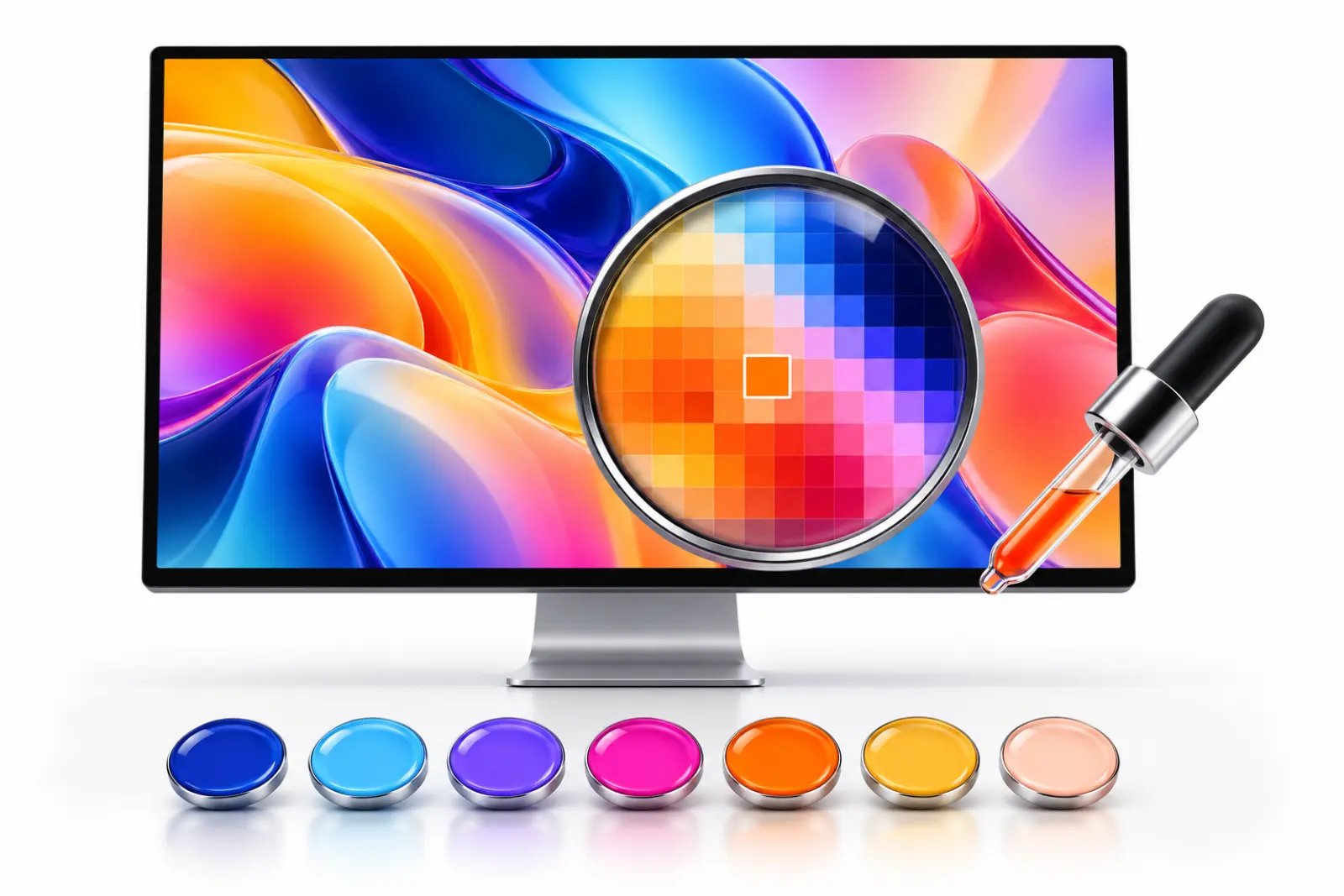
Color picker
Press a shortcut, click anywhere, and copy that color’s HEX value.
Mac
Windows
AI tools
Cutouts stay on your Mac. Images start with a sentence.
Remove background
AI on your Mac detects the subject and exports a transparent PNG, and images aren’t uploaded. 3 free a day, unlimited with Pro; Mac only (macOS 14 or later).
Learn about background removal
AI image
Describe it to create or edit an image; common fixes take a single click. Billed in credits: new users get 20, and Pro includes 80 a month.
Learn about AI image generationFree
Free goes a long way.
No sign-up on the web, no sign-in on the desktop. Everything below is ready to use.
- Compress online100 a day, no sign-up
 HEIC to JPGFree
 Image to WebPFree
 Batch compression20 per batch
- ScreenshotFree
- Scrolling screenshotFree
- OCRFree
- Screenshot translationFree
- Image viewerFree
- Color pickerFree
- Screen recorderFree, with a badge on recordings
- Remove background3 a day (Mac only)
Want folder batches, auto compression, target sizes, recordings without the watermark and unlimited background removal?Learn about Pro
Desktop compression
Batch, right-click or automatic. Whole batches, done.
The desktop app compresses on your computer: images aren’t uploaded, and it works offline.
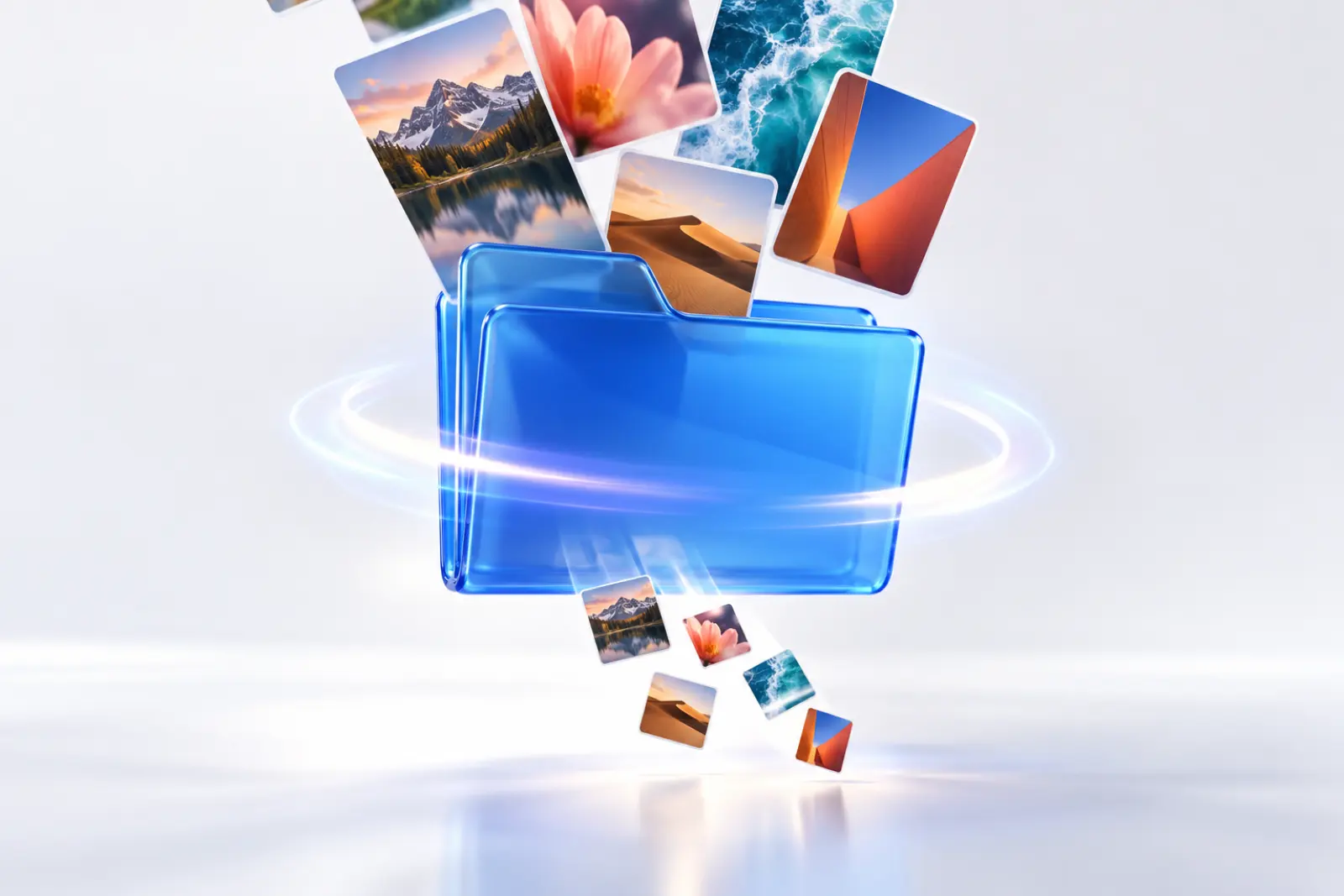
Batch compression
Drop in a batch at once, up to 20 per batch for free; importing whole folders is Pro.
Learn about batch compressionRight-click to compress
Select images in Finder or File Explorer and right-click to compress. Single and multiple images are both free.
Learn about right-click compression
Auto compression
Pick a folder, and new images saved there are compressed automatically. A Pro feature.
Learn about auto compressionPrivacy
If it can happen on your computer, it isn’t uploaded.
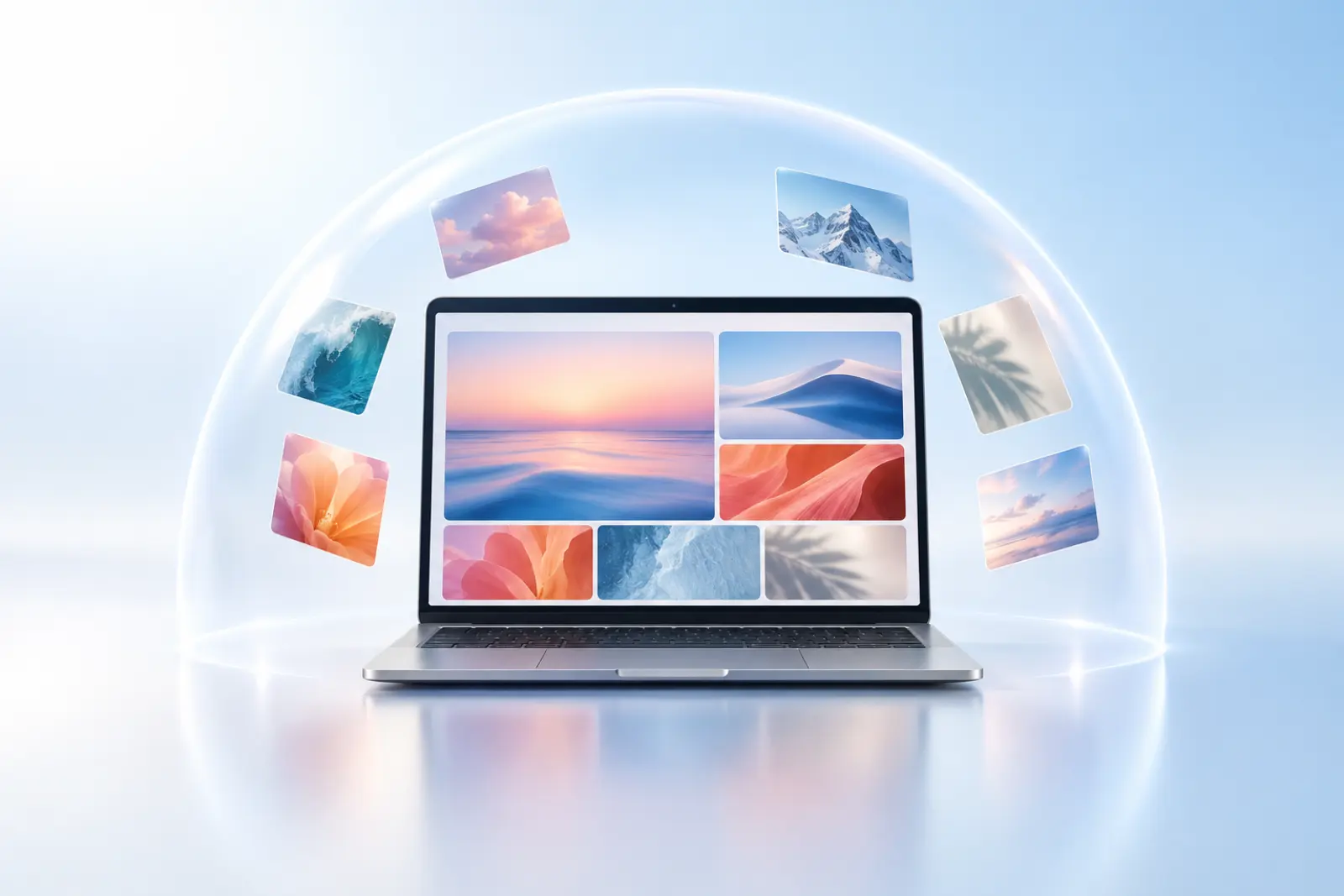
In the desktop app, compression, screenshots, OCR and background removal all happen on your computer, so images never leave it.
On the web, images are used only for the current compression: encrypted in transit, accessed via private links, deleted automatically within 24 hours, and never used for training.
Mac & Windows
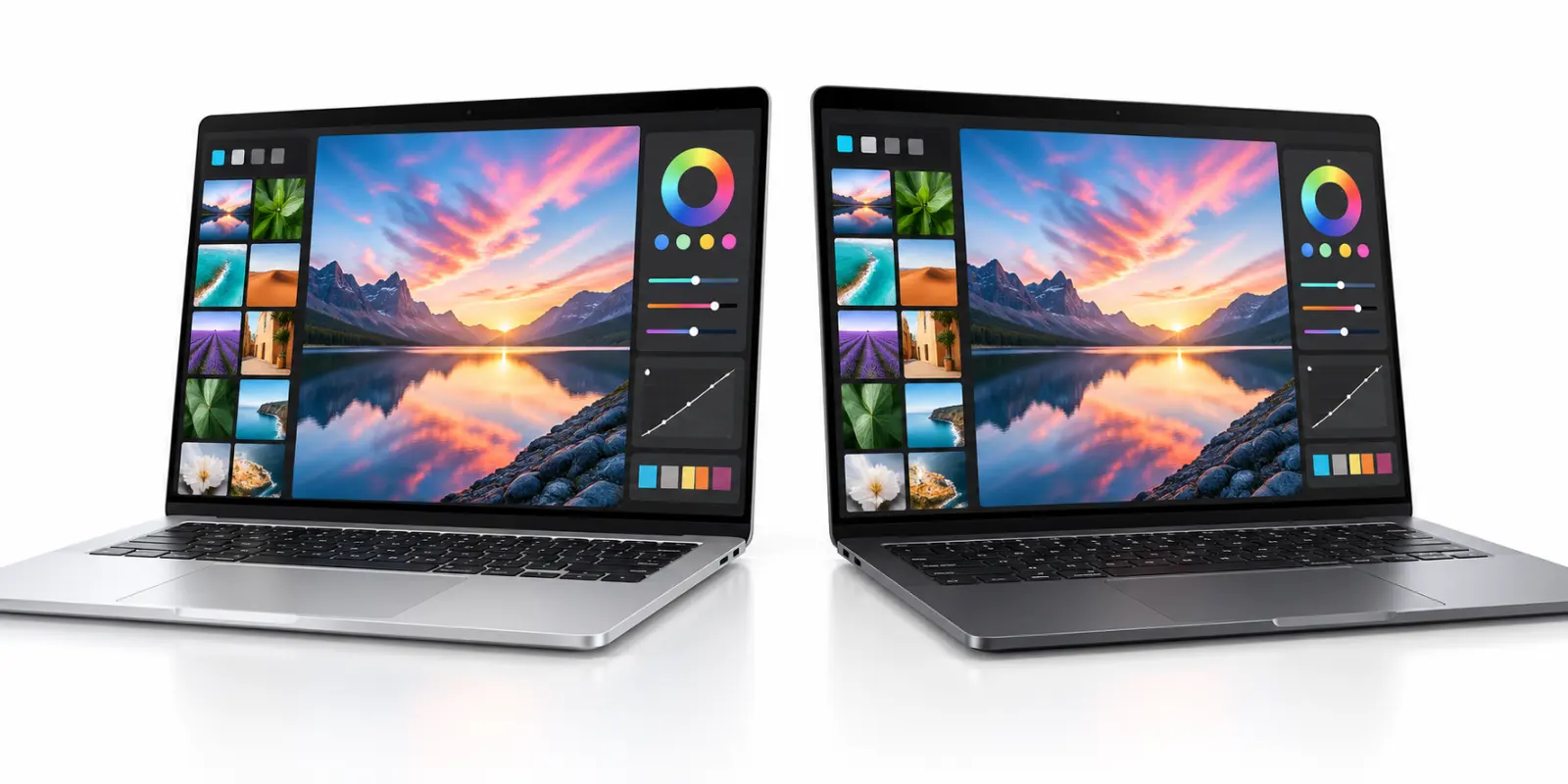
Great on Mac. Just as great on Windows.
Screenshots, scrolling screenshots, screen recording, OCR, screenshot translation, the image viewer, the color picker, batch compression, right-click compression and auto compression are on both. Background removal is currently Mac only (macOS 14 or later).
MiniPic Pro
One Pro for web and desktop.
A one-time payment, never charged automatically when it ends.
Monthly · Limited time
¥15¥10
Yearly · Limited time
¥99¥69
Folder batches · Auto compression · Target sizes · No watermark on recordings · Unlimited background removal · 80 AI credits a month
Developers
The same engine, in your code and your editor.
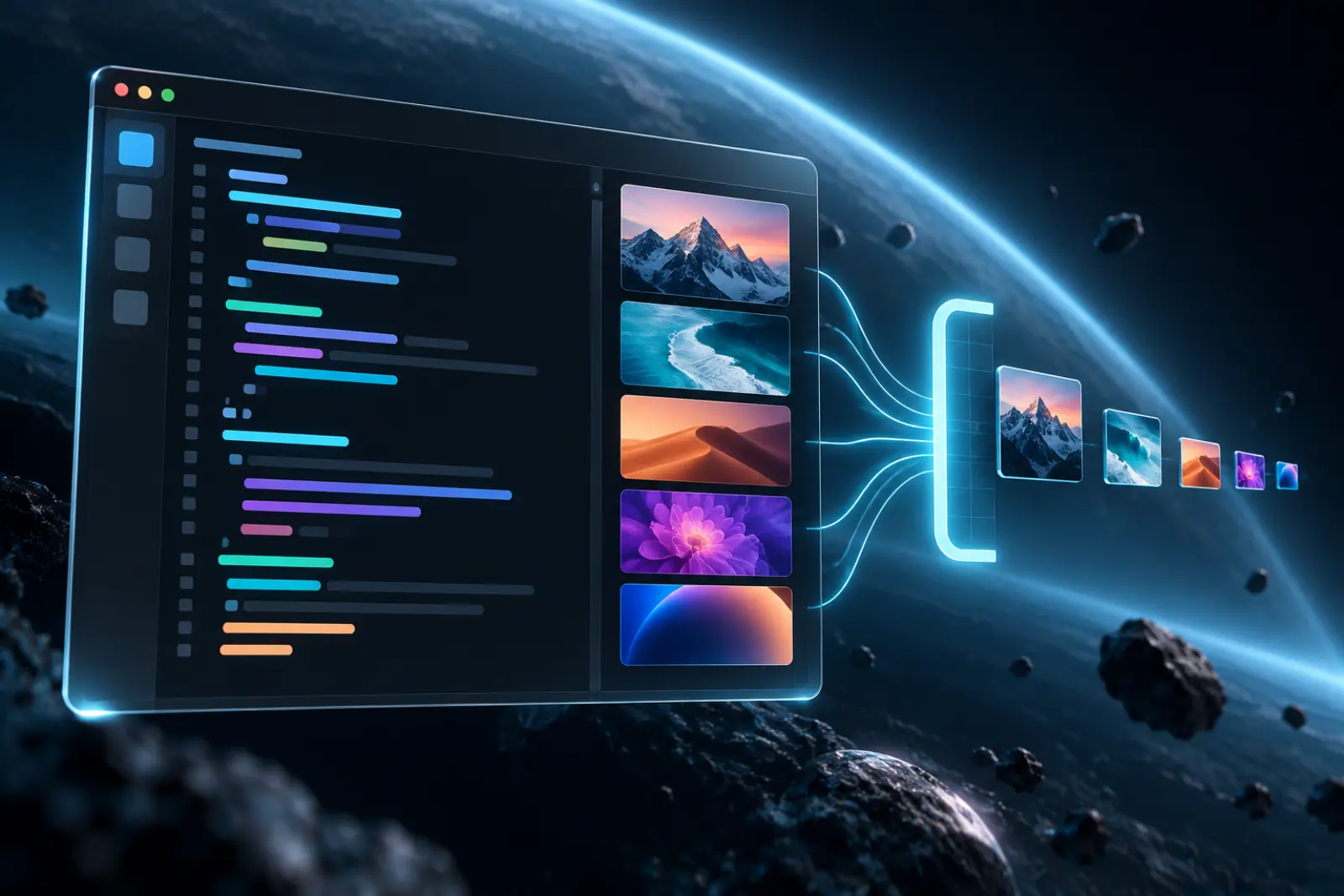
The image compression API is compatible with the authentication and response format of popular compression APIs, with 500 free calls a month after sign-up; the VS Code extension compresses the images in your project with a right-click.
FAQ
What is MiniPic?
MiniPic is a toolbox made for image work. The web app compresses PNG, JPEG, WebP, GIF, SVG and other images online with no sign-up. The free desktop app for Mac and Windows brings together screenshots, scrolling screenshots, screen recording, OCR, screenshot translation, an image viewer and a color picker, and the Mac app adds background removal (macOS 14 or later).
What is MiniPic’s official website?
MiniPic’s official site in China is minipic.cn (ICP filing no. 鄂ICP备2025127792号-3), and its international site is minipic.ai. MiniPic is not affiliated with other websites or products with similar names.
Which MiniPic features are free?
On the web, you can compress 100 images a day without signing up (up to 5 MB each, 20 per batch). In the desktop app, screenshots, scrolling screenshots, OCR, screenshot translation, the image viewer and the color picker are all free; screen recording is free to use, with a MiniPic badge on recordings; background removal is free for 3 images a day (Mac only). Pro unlocks folder batches, auto compression and target sizes, removes the recording watermark, and makes background removal unlimited.
How is the web app different from the desktop app?
The web app offers online compression and format conversion (to WebP, HEIC to JPEG), right in your browser. Screenshots, screen recording, OCR, screenshot translation, the image viewer, the color picker, background removal and AI image generation need the desktop app, which compresses on your computer and works offline.
Do the Mac and Windows apps have the same features?
Screenshots, scrolling screenshots, screen recording, OCR, screenshot translation, the image viewer, the color picker, batch compression, right-click compression and auto compression are on both. Background removal is currently Mac only (macOS 14 or later).
Are my uploaded images safe?
On the web, images are used only for the current compression: encrypted in transit, accessed via private links, deleted automatically within 24 hours, and never used for training or anything else. In the desktop app, compression, screenshots, OCR and background removal all happen on your computer, and images aren’t uploaded.
How much is MiniPic Pro?
Pro’s regular price is ¥15 monthly or ¥99 yearly. It’s a one-time payment and is never charged automatically when it ends. One Pro covers both the web and desktop apps, and you can pay with WeChat Pay or Alipay. Current prices are as shown on the pricing page.
Get started now.
Put the whole toolbox on your computer, or compress an image on the web first.