

Remove background
Remove image backgrounds in one click
MiniPic’s Remove background uses AI on your Mac to detect the subject and remove the background, then exports a transparent PNG with the empty edges trimmed automatically. Images aren’t uploaded. It’s free for 3 images a day and requires macOS 14 or later.
Requires macOS 14 or later. Remove background isn’t available on Windows yet.
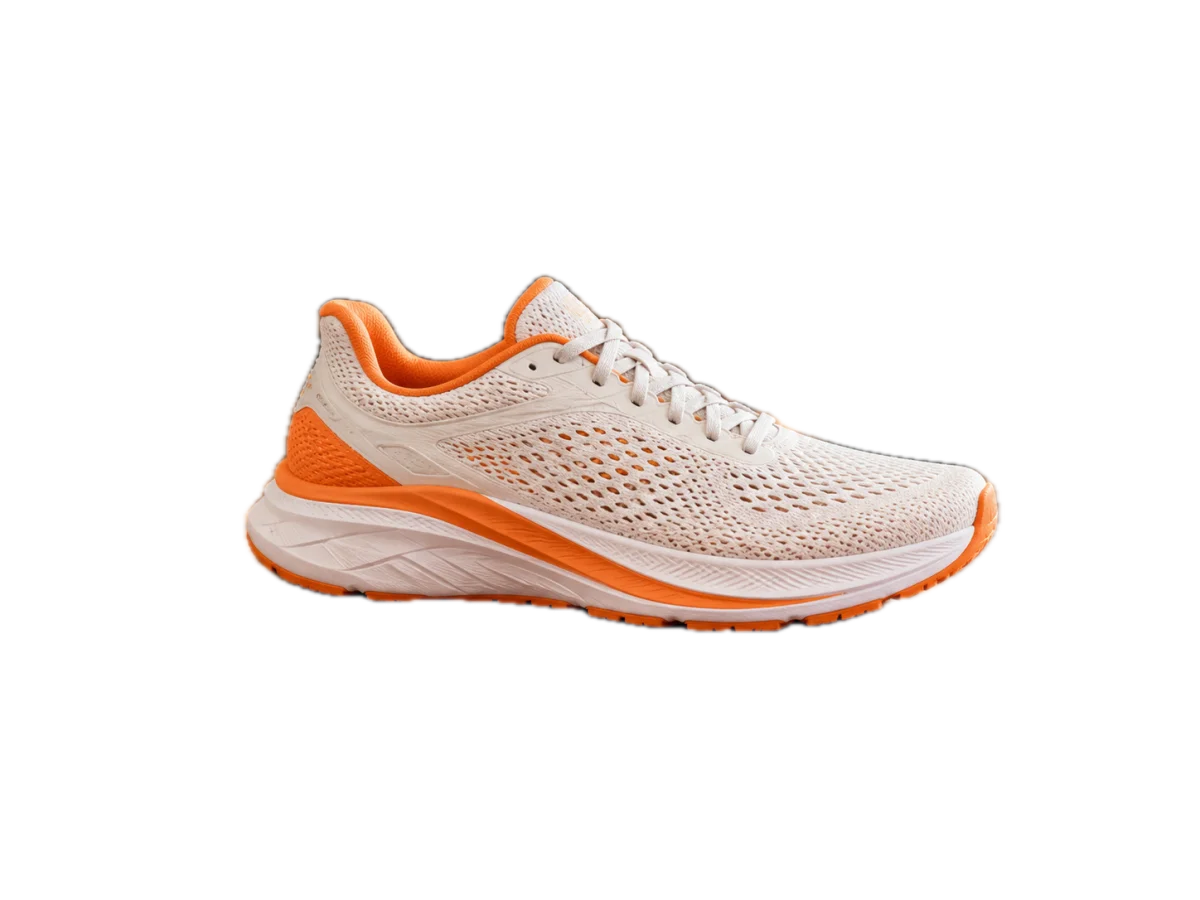

One-click removal
Drop in an image. Remove the background in one click.
AI on your Mac detects the subject, and every foreground element in the frame is cut out together.
Drop in an image
Open Remove background in MiniPic and drag an image in; you can also remove backgrounds right from the image viewer.
Subject detected automatically
AI on your Mac detects the subject and removes the background, with no manual tracing.
Export a transparent PNG
Export a PNG with a transparent background; transparent edges are trimmed automatically by default, and you can choose to compress on export.
Transparent PNG
Export transparent PNGs, edges trimmed automatically.
Great for product shots, stickers, avatars or slide assets. On export, you can choose to compress with MiniPic’s compression engine for a smaller file.

Editor
Editor: refine edges with a brush, selections and a magic wand, or swap the background.
If the automatic cutout isn’t quite right, touch it up in the editor; undo and redo anytime.
Brush refinement
Adjust size and hardness to restore or erase detail.
Selections & magic wand
Rectangle, lasso and pen selections; the magic wand has adjustable tolerance and an optional contiguous mode.
Crop & feather
Crop to the right composition and soften the edges for a more natural blend.
Background & layers
Choose a transparent, solid color, gradient or image background, and stack multiple layers with adjustable opacity.
Privacy
Processed on your computer. Images aren’t uploaded.
Subject detection runs on your Mac, so images never leave your computer. Original product photos and portraits stay with you.
On-device
Subject detection runs on your Mac
Free quota
3 free a day, unlimited with Pro.
Only successful cutouts count; failures, no subject detected and cancellations don’t. The count resets each local calendar day, and no sign-in is needed.
3 a day
Free quota
Unlimited
Pro
System requirements
Requires macOS 14 or later; not yet available on Windows.
On versions earlier than macOS 14, Remove background doesn’t appear. The Windows app doesn’t offer background removal yet; screenshots, the image viewer, compression and other features work as usual.
System requirements
Download for Mac and start removing backgrounds.
Mac
Remove background works on macOS 14 or later; MiniPic itself supports macOS 13 or later, with installers for both Apple silicon and Intel.
Windows
Remove background isn’t supported yet.
FAQ
Is background removal free?
You get 3 free images a day. Only successful cutouts count (failures, no subject detected and cancellations don’t), the count resets each local calendar day, and no sign-in is required; Pro is unlimited.
Are images uploaded for background removal?
No. Subject detection happens on your Mac, and images aren’t uploaded.
Does background removal work on Windows?
Not yet. Background removal only supports Macs running macOS 14 or later.
How do I make an image background transparent?
Drag the image into Remove background; once the subject is detected, export it as a PNG with a transparent background. Extra transparent edges are trimmed automatically by default.
Can I compress the cutout afterward?
Yes. When exporting, you can choose to compress it with MiniPic’s compression engine.
Related features

AI image
Describe it to create or edit an image; common fixes take a single click.

Image viewer
Double-click to view, and compress in one click while you’re there.

Batch compression
Drop in a whole batch at once, or right-click in Finder or File Explorer to compress.

Screenshot
Region, window or full screen, 7 annotation tools, compressed on save by default.