

Color picker
Screen color picker
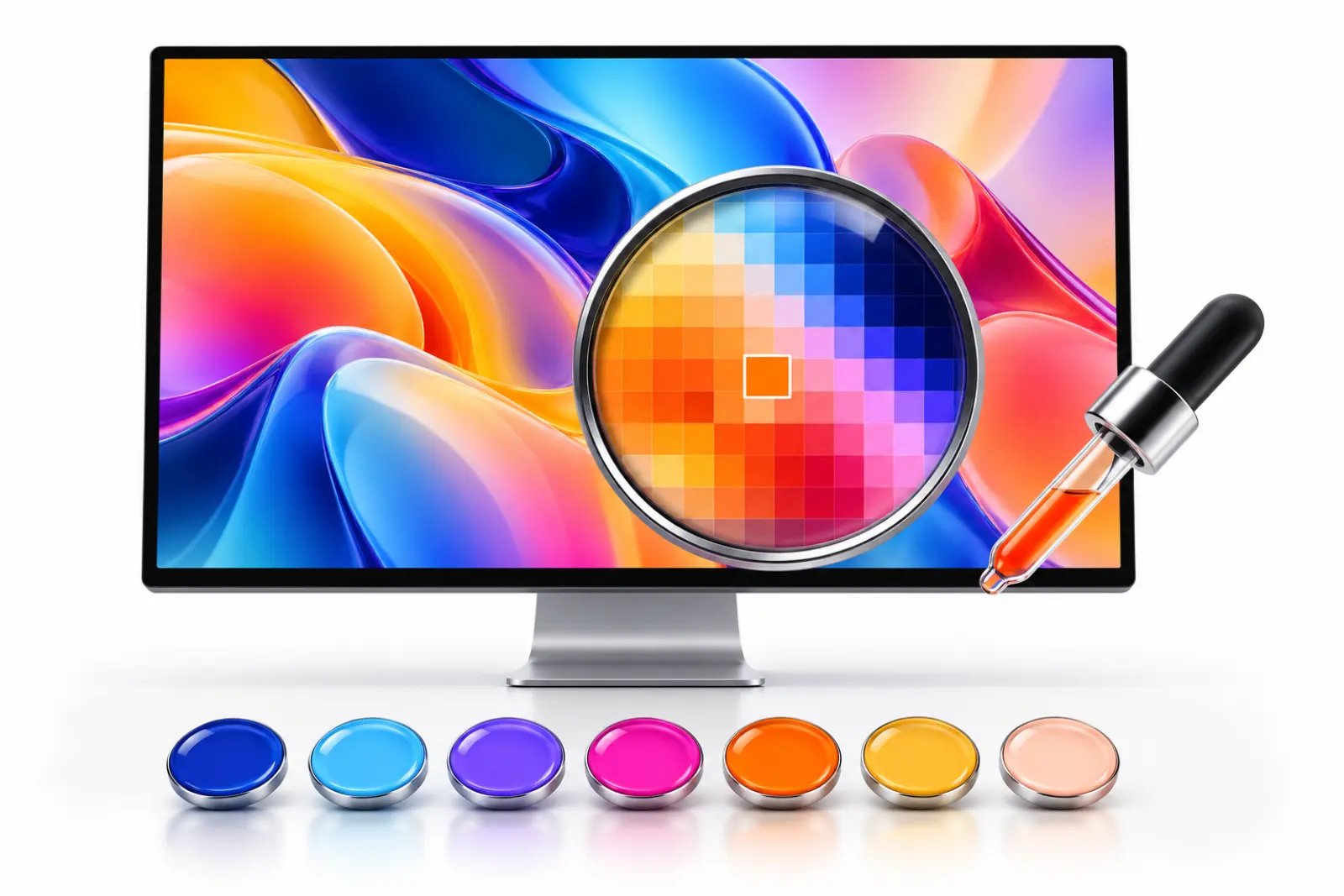
MiniPic’s screen color picker is a free tool in the desktop app. Press a keyboard shortcut to bring up a magnifier that picks colors in real time, then click anywhere on your screen to copy the HEX value of the color at that point.
Shortcut
One press. Pick a color anytime.
The default is ⌥⇧P (Option+Shift+P) on Mac and Alt+Shift+P on Windows; both can be customized in Settings.
Mac
Windows
Magnifier
A live magnifier, down to the pixel.
When you press the shortcut, the screen doesn’t dim; the magnifier follows your mouse so you can line up the exact pixel you want. Press Esc to cancel anytime.
Copy HEX
Click to copy the HEX.
One click puts that pixel’s HEX value on the clipboard, with a “Copied” confirmation. Paste it into a design file, your CSS or a chat.
#2767D6
Image viewer
Pick colors in the image viewer.
Open an image and pick colors from it right in the viewer, handy for building a color palette.
Who it’s for
Designers and front-end developers will use it every day.
Match the design
Pick key colors from design files or reference pages and use them directly.
Check page colors
One click before launch confirms that buttons and backgrounds use the exact colors in the design.
Color your documents
Pick colors from a reference image for slides and posters, for a more consistent palette.
Price
Free. No sign-in.
The color picker is free on both Mac and Windows. It currently copies HEX values.
¥0
System requirements
Works on Mac and Windows.
Mac
macOS 13 or later, with installers for both Apple silicon and Intel.
Windows
Windows 10 / 11 64-bit.
FAQ
How do I use the color picker?
Press the shortcut to bring up the magnifier, move it to the spot you want and click; that color’s HEX value is copied to the clipboard.
What’s the color picker shortcut?
The default is ⌥⇧P (Option+Shift+P) on Mac and Alt+Shift+P on Windows.
Can I copy RGB values?
For now, only HEX values can be copied.
Is the color picker free?
Yes, on both Mac and Windows.
Related features

Screenshot
Region, window or full screen, 7 annotation tools, compressed on save by default.

Image viewer
Double-click to view, and compress in one click while you’re there.

OCR
Turn the text in a screenshot into copyable text in one click.

Remove background
Remove backgrounds on your Mac and export a transparent PNG. Images aren’t uploaded.