
Features
All MiniPic features
MiniPic’s features fall into four groups: compression and formats, capture and recording (including OCR and screenshot translation), viewing and color picking, and AI tools. On the web, you can compress images online right in your browser; everything else happens in the MiniPic desktop app.
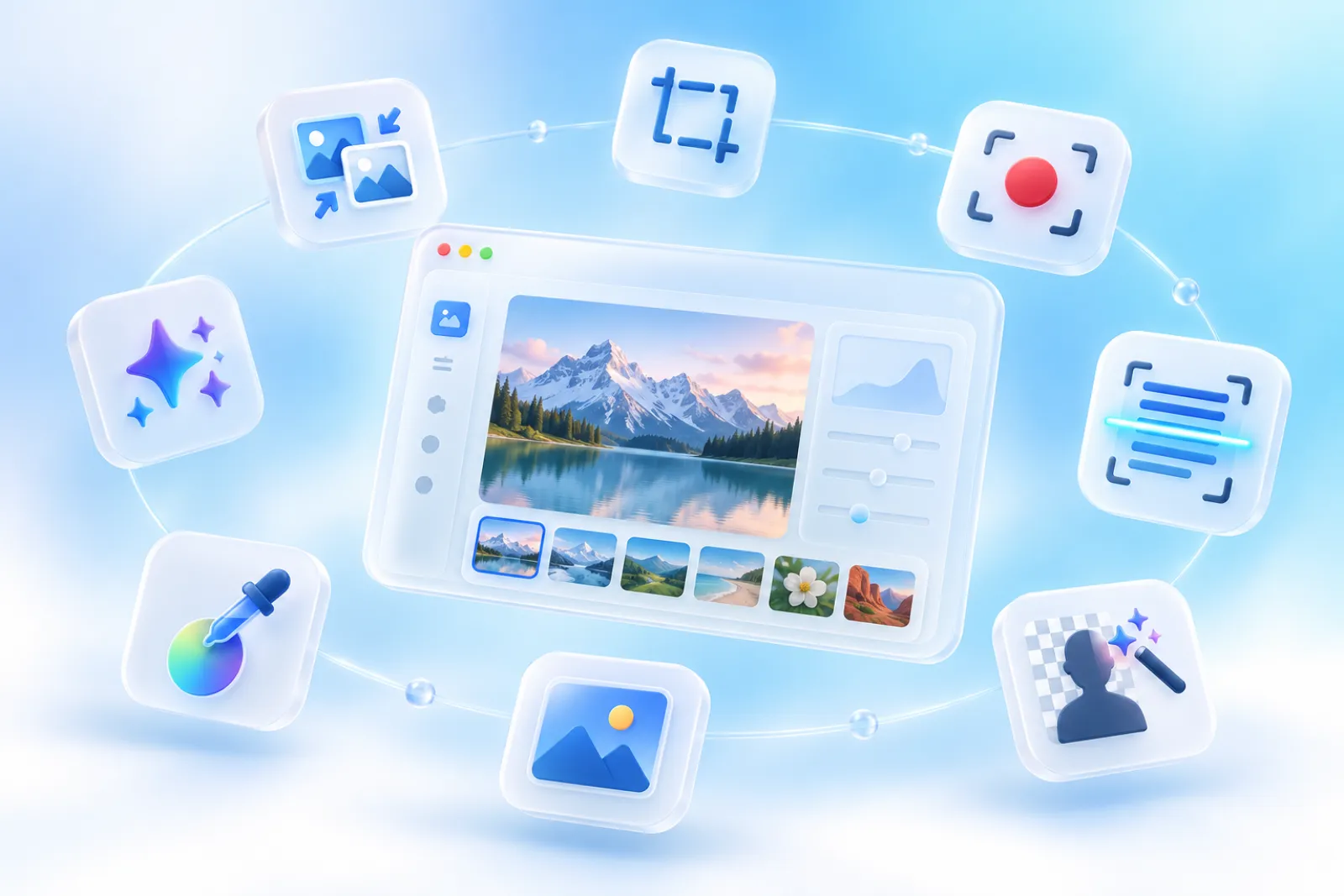
Compression & formats
Smaller files, no visible quality loss.
Online compression, HEIC to JPG and image to WebP, plus batch compression, auto compression and compressing to a target size in the desktop app.

Web · 100 a day, no sign-up
Compress online
Drop images into your browser and they’re compressed. All three quality modes are free.
Learn about online image compression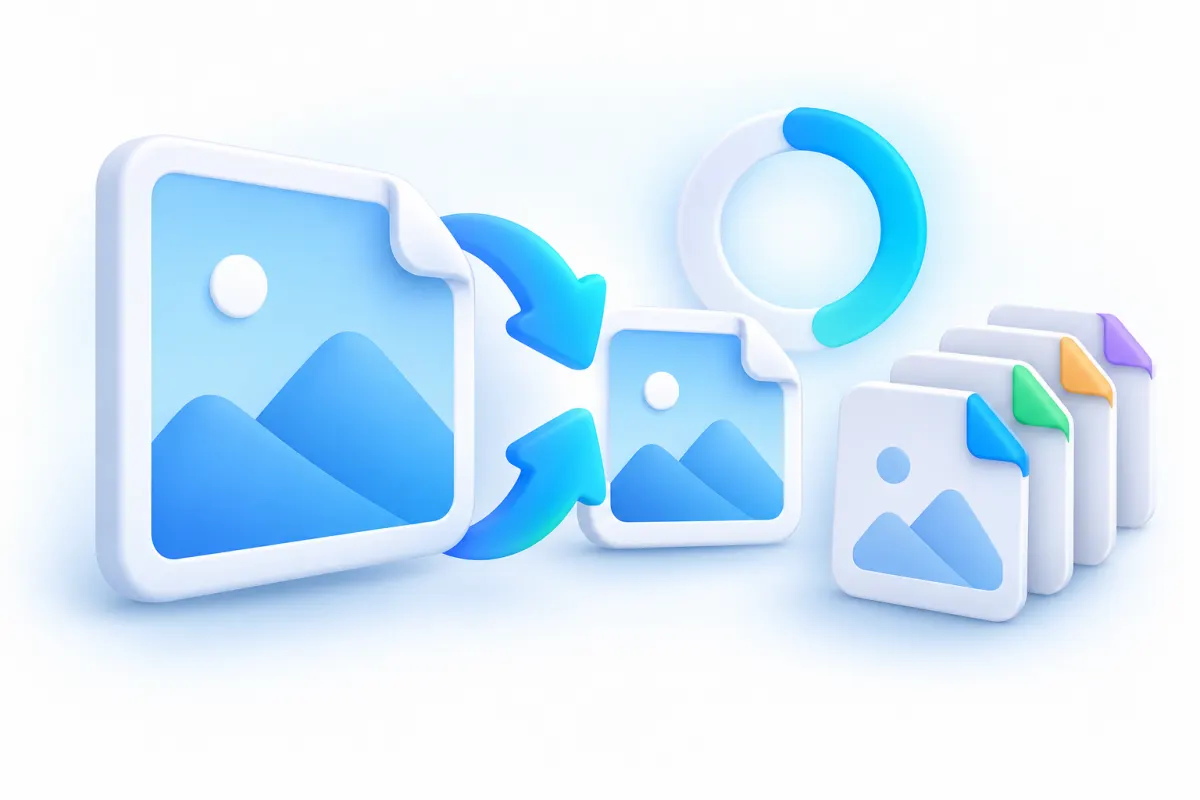

Web · Free
HEIC to JPG
Drop in iPhone photos and they’re converted to JPG and compressed.
Learn about HEIC to JPG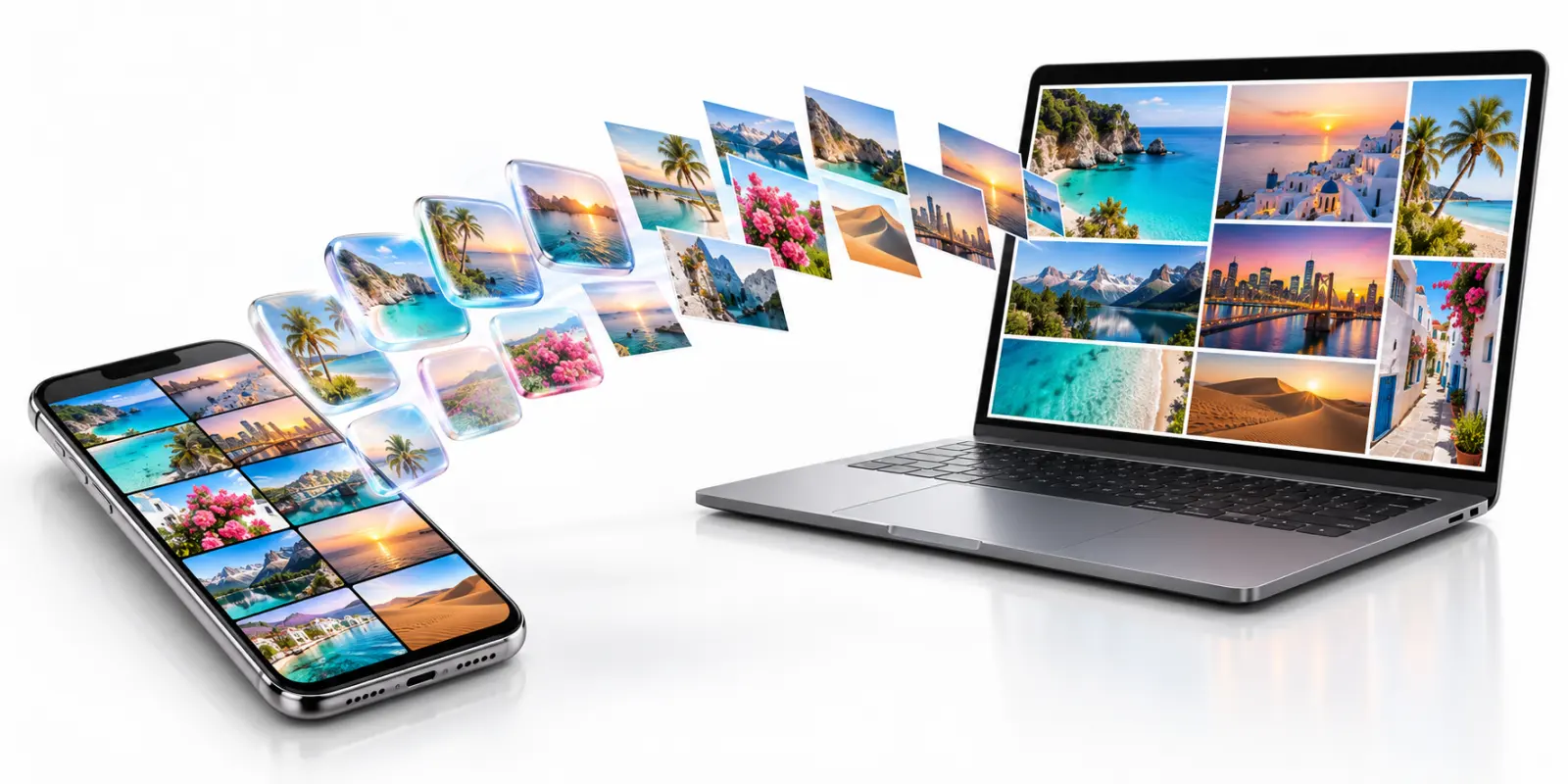

Web · Free
Image to WebP
Convert PNG, JPEG and GIF to WebP and shrink them at the same time.
Learn about image to WebP
Mac & Windows · Free up to 20 per batch; whole folders with Pro
Batch compression
Drop in a whole batch at once, or right-click in Finder or File Explorer to compress.
Learn about batch compression
Mac & Windows · Pro
Auto compression
Pick a folder, and new images saved there are compressed automatically.
Learn about auto compression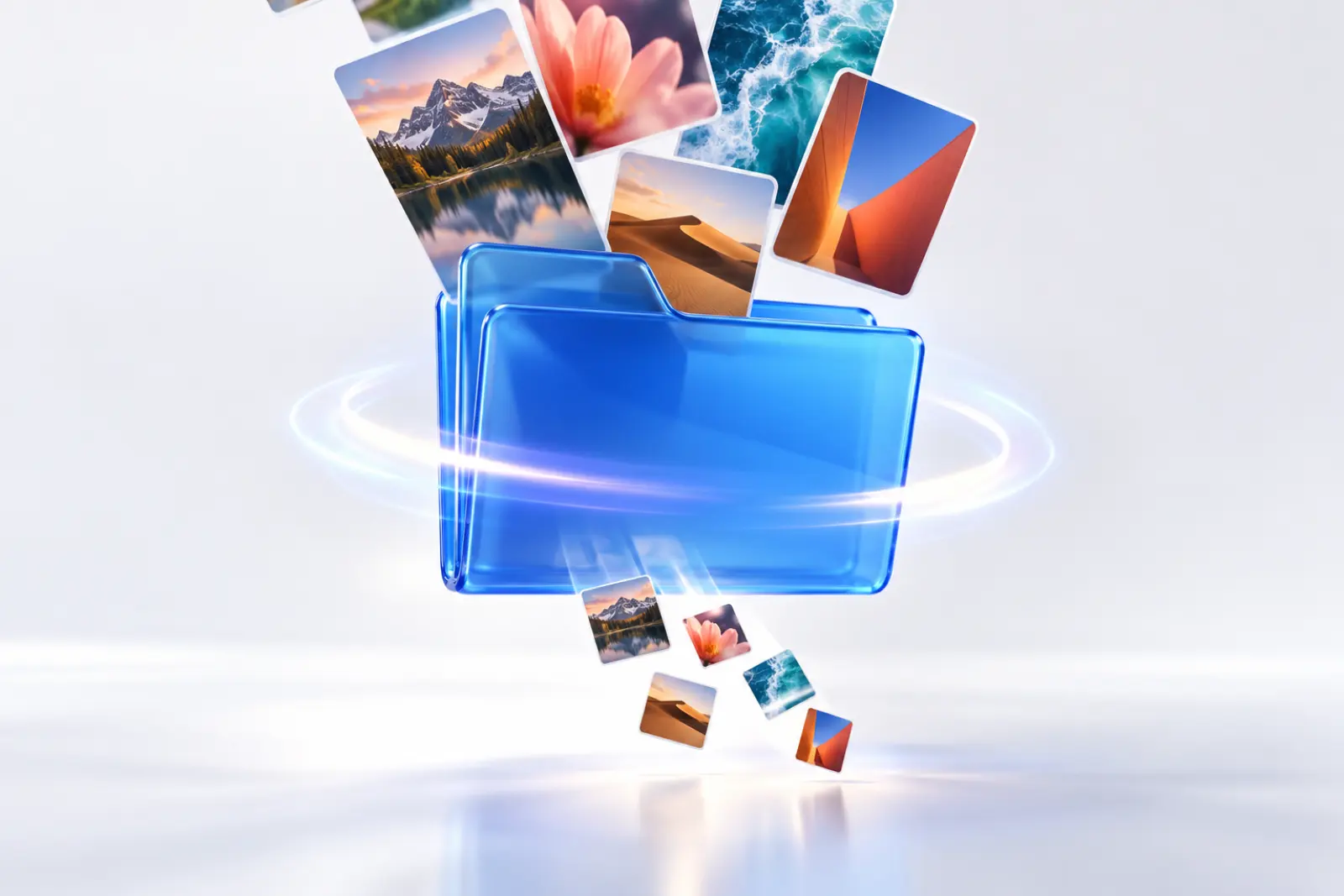

Mac & Windows · Pro (desktop)
Compress to a target size
Set a target such as 100KB or 200KB and hit it in one pass.
Learn about compressing to a target size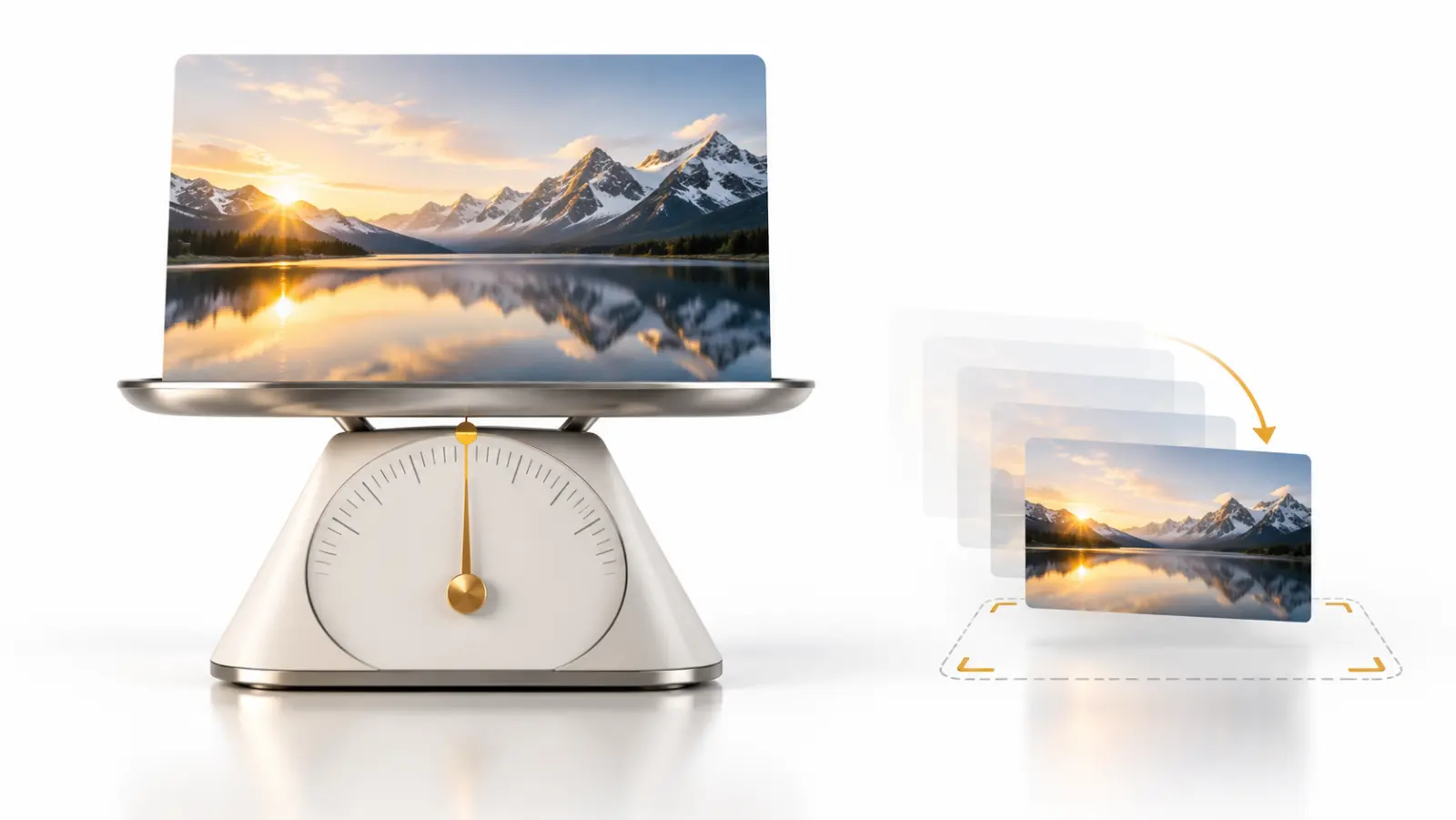
Capture & recording
Screenshots, scrolling screenshots and recording, plus OCR and screenshot translation.

Mac & Windows · Free
Screenshot
Region, window or full screen, 7 annotation tools, compressed on save by default.
Learn about screenshots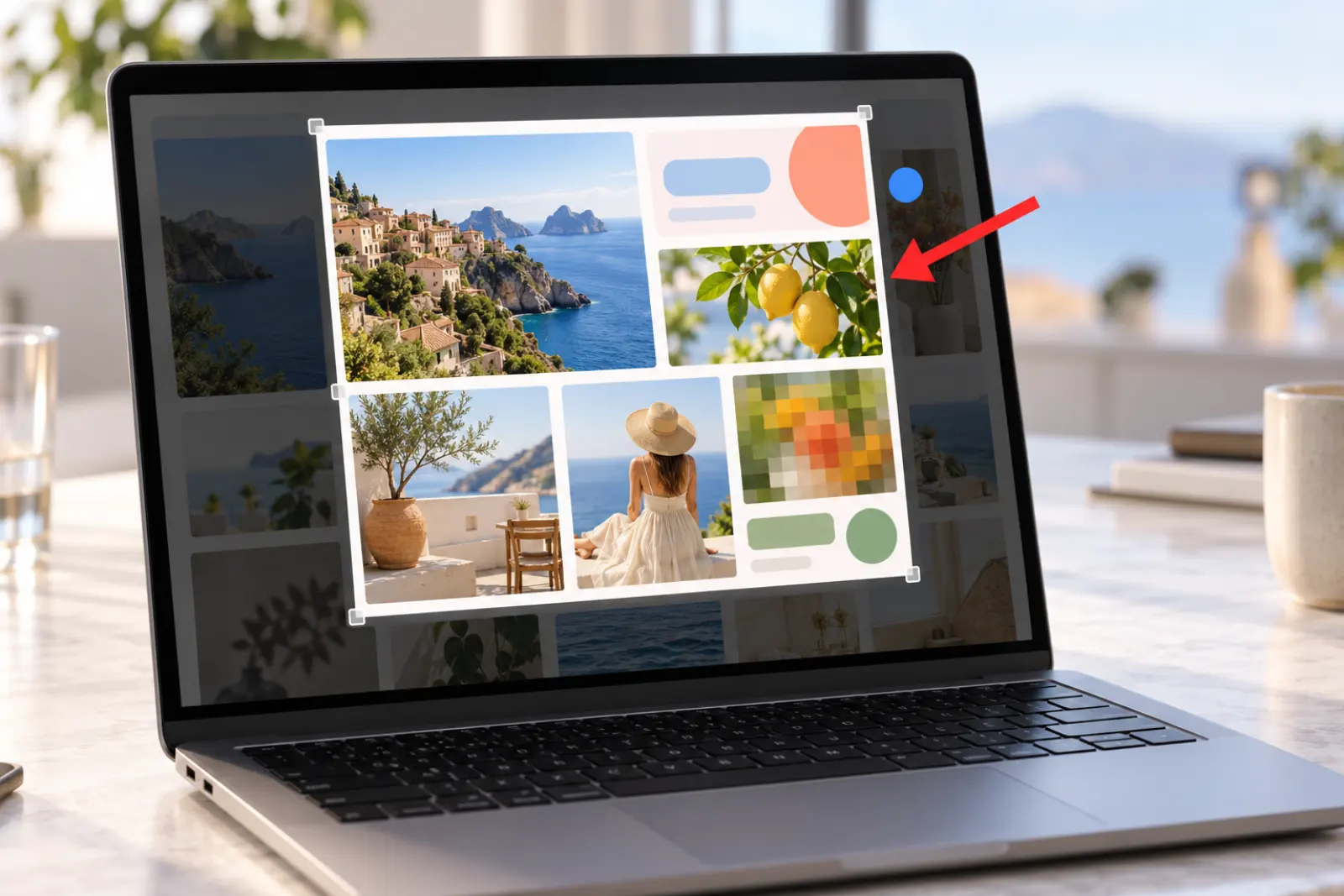
Mac & Windows · Free
Scrolling screenshot
Stitches as you scroll to capture a whole page in one go.
Learn about scrolling screenshots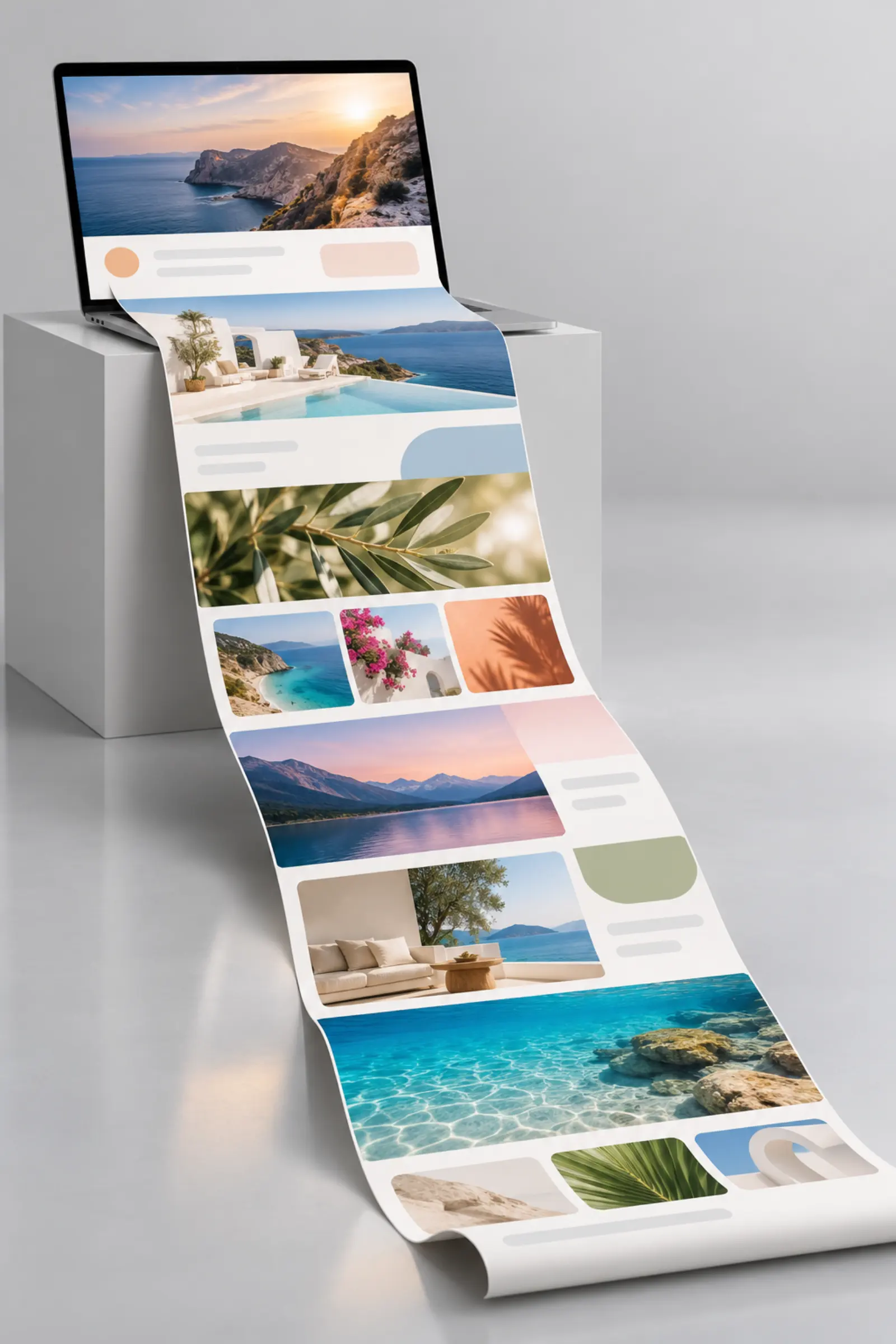

Mac & Windows · Free to use, with a badge on recordings; no watermark with Pro
Screen recorder
Record to MP4, or straight to a smaller GIF.
Learn about screen recording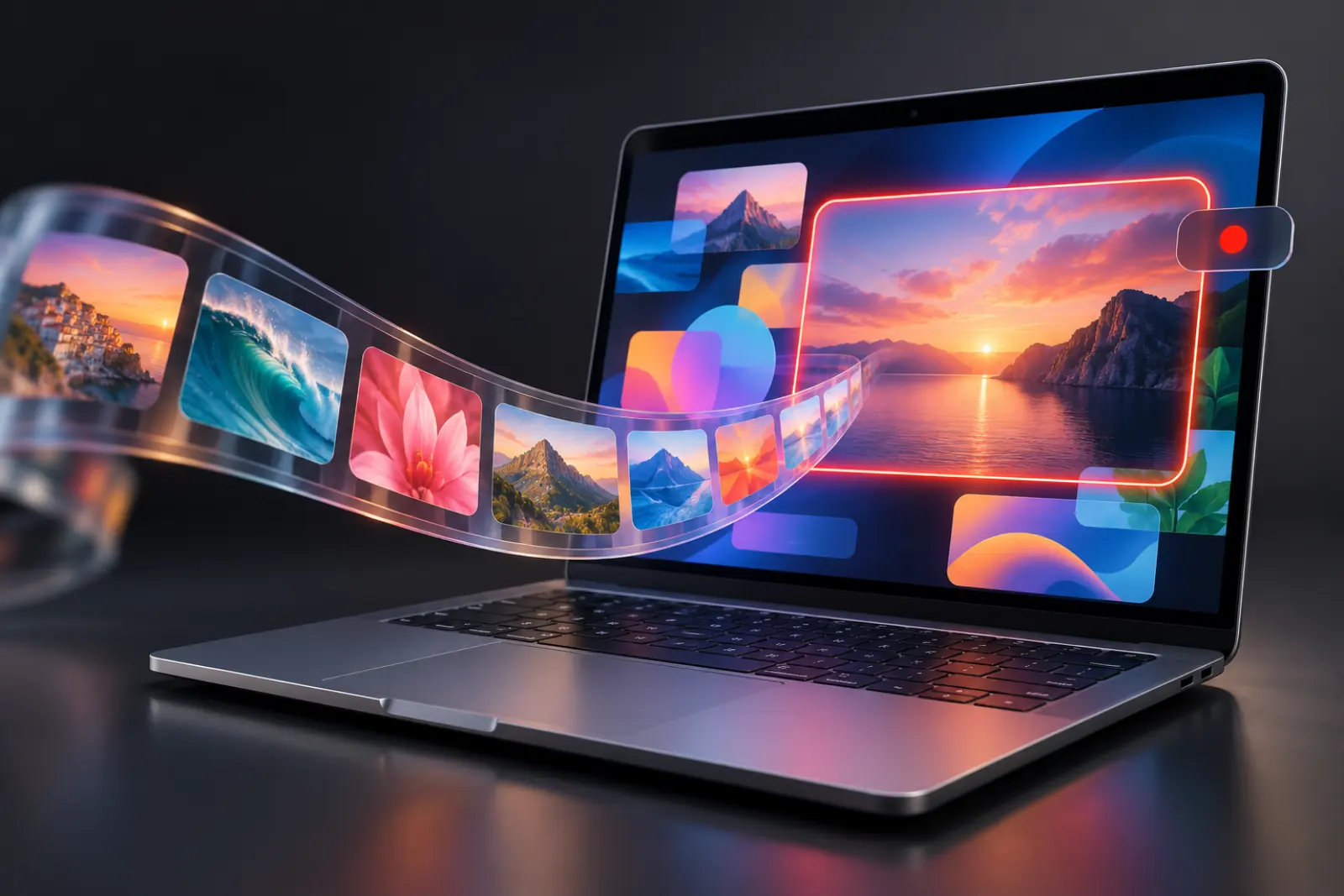

Mac & Windows · Free
OCR
Turn the text in a screenshot into copyable text in one click.
Learn about OCR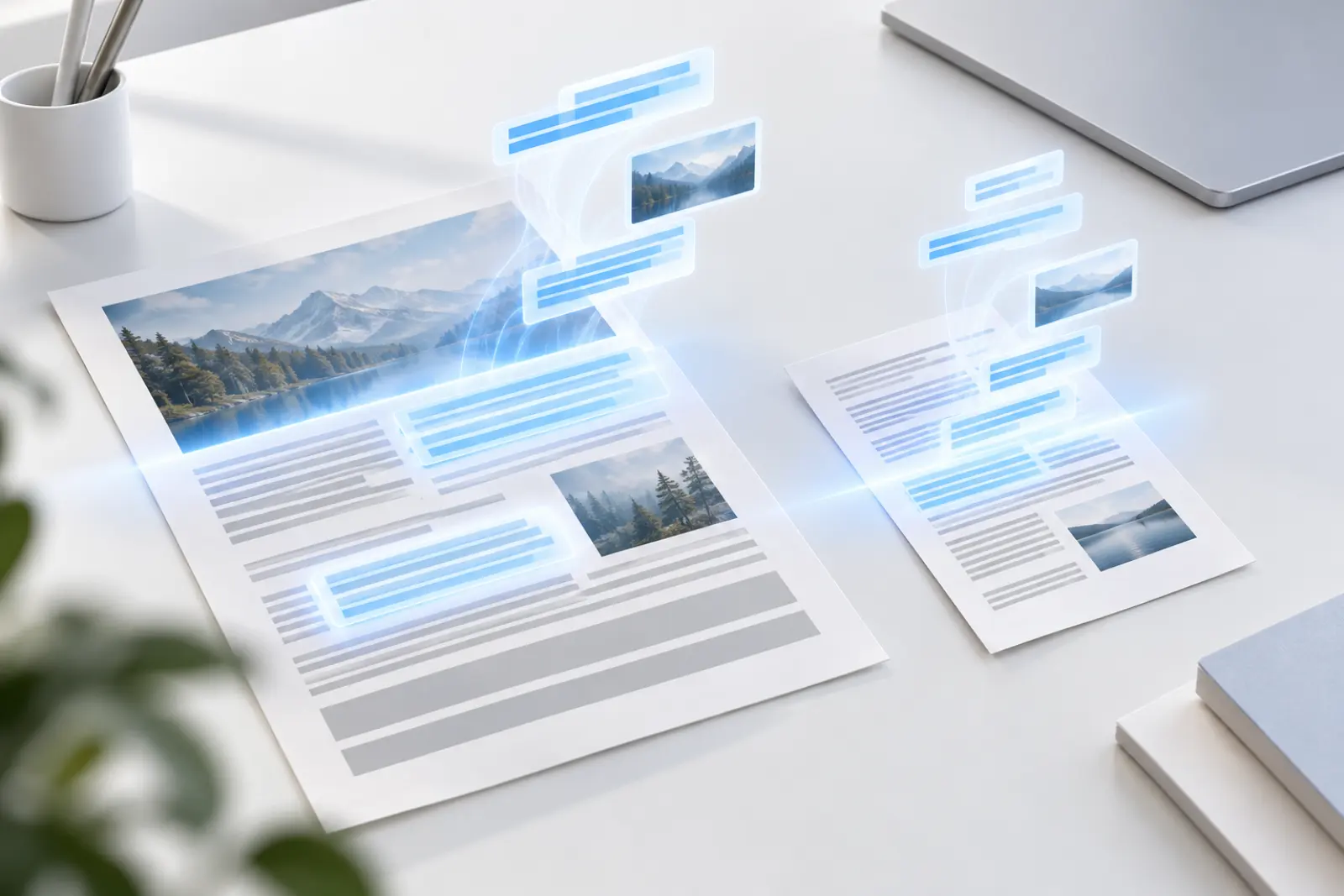

Mac & Windows · Free
Screenshot translation
Capture a foreign-language screen, and the translation lands right where the text was.
Learn about screenshot translation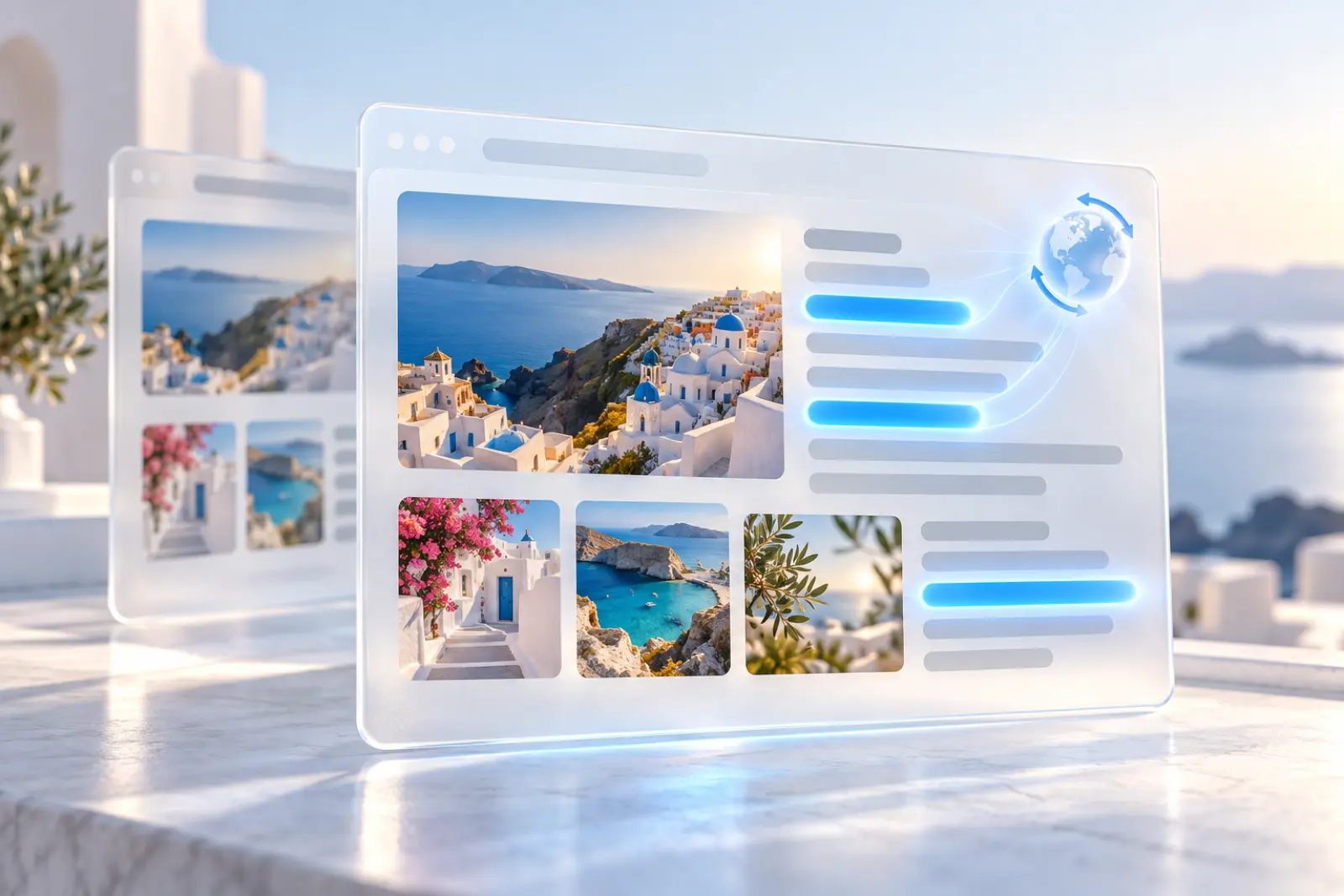
Viewer & color picker
Compress while you view. Pick the color wherever you click.

Mac & Windows · Free
Image viewer
Double-click to view, and compress in one click while you’re there.
Learn about the image viewer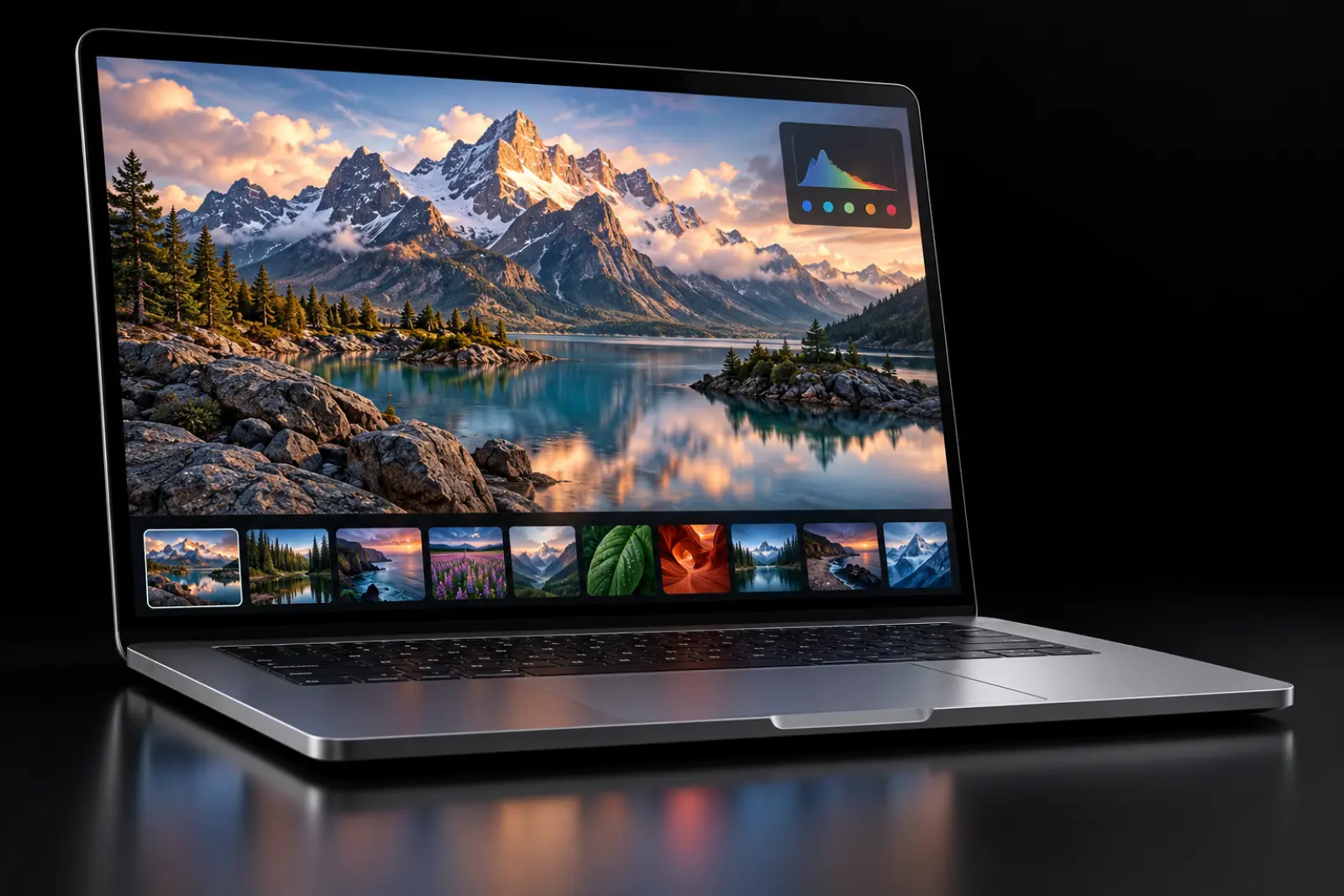

Mac & Windows · Free
Color picker
Press a shortcut, click anywhere, and copy that color.
Learn about the color pickerAI tools
Cutouts on your Mac, never uploaded. Images from a single sentence.
Mac only (macOS 14 or later) · 3 free a day, unlimited with Pro
Remove background
Remove backgrounds on your Mac and export a transparent PNG. Images aren’t uploaded.
Learn about background removal


Mac & Windows · Billed in credits; 20 credits for new users
AI image
Describe it to create or edit an image; common fixes take a single click.
Learn about AI image generation

HTTP API · 500 free calls a month after sign-up
Image compression API
Swap the endpoint and key to plug into the same compression engine.
Learn about the image compression API
VS Code & Open VSX · Free extension; uses your API quota
VS Code extension
Right-click to compress images in your editor, or convert to WebP and update references.
Learn about the VS Code extension| Free | Pro | |
|---|---|---|
| Web compression | No sign-up: 100 a day, 5 MB per image, 20 per batch; signed up: 1,000 a month, 50 per batch; three quality modes | 5,000 a month, 80 MB per image, 300 per batch |
| Desktop compression | 20 per batch, three quality modes, format conversion, right-click compression for single and multiple images | Whole-folder batches, unlimited batch size, auto compression, right-click folder batches, Custom precision control (target size) |
| Screenshot, scrolling screenshot, OCR, screenshot translation, image viewer, color picker | Free | Also free |
| Screen recording | Free, with a MiniPic badge on recordings | No watermark |
| Remove background (Mac only) | 3 a day | Unlimited |
| AI image | 20 credits for new users (valid for 30 days); credits can be bought separately | 80 credits included every month |
| Image compression API | 500 calls a month | 1,000 calls a month |
FAQ
What can MiniPic do?
On the web: online image compression, HEIC to JPG and conversion to WebP. In the desktop app (Mac and Windows): screenshots with annotation, pinning, scrolling screenshots, screen recording (MP4 / GIF), OCR, screenshot translation, an image viewer, a color picker, batch compression, right-click compression, auto compression and AI image generation; the Mac app adds background removal. Developers can use the image compression API and the VS Code extension.
Which features are free?
Screenshots, scrolling screenshots, OCR, screenshot translation, the image viewer and the color picker are all free; screen recording is free, but recordings carry a MiniPic badge; background removal is free for 3 images a day; desktop batch compression is free for up to 20 images per batch. Auto compression, folder batches and target sizes are Pro features.
Which features are Mac only?
Background removal currently supports Mac only (macOS 14 or later). All other desktop features are available on both Mac and Windows.
Do I need to sign up or sign in?
Web compression and most desktop features work without signing in. AI image generation requires signing in, and the China edition also requires linking a phone number.
Do Mac and Windows share the same Pro?
Yes. One Pro works on both the web and desktop apps. It’s tied to your account, so after switching computers or reinstalling, just sign in to restore it.