

Screenshot translation
Screenshot translation
MiniPic’s screenshot translation is a free feature of the desktop app: capture a screen in another language, and the translation appears right where the original text was. On Mac, it runs offline on your computer, so neither the text nor the images are uploaded.
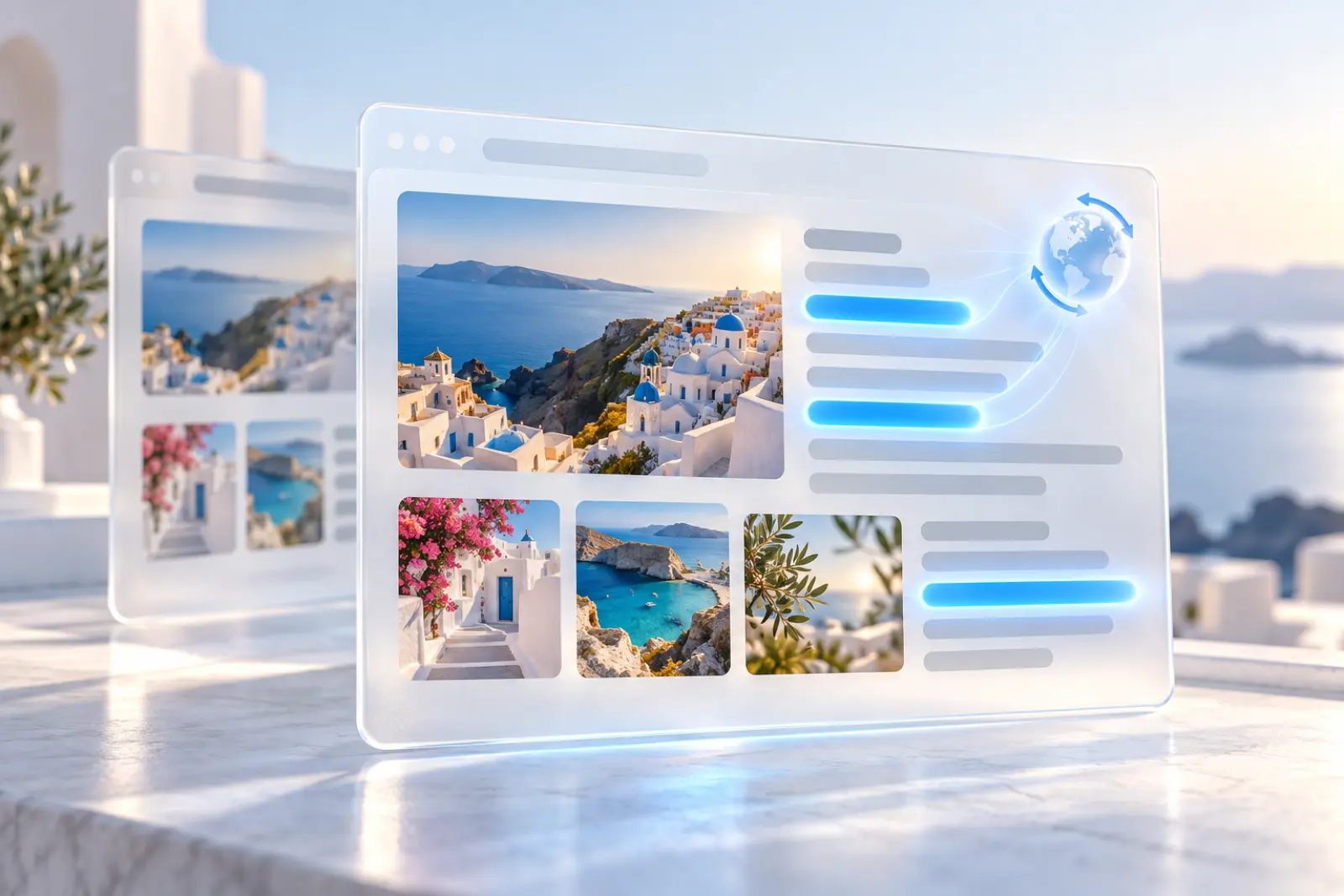
In-place translation
Capture and translate: the translation lands in place.
Capture a screen in another language, and the translation is laid right over the original text, as if the interface had switched to your language.
Overlaid in place
The translation sits where the original text was, so there’s no back-and-forth.
True to the original
Font size, color and background stay as close to the original as possible.
Works in the viewer too
Open an image in the Mac viewer and translate it the same way.
Offline
Offline on your computer, nothing uploaded (Mac).
On Mac, translation happens offline on your computer, and neither text nor images are uploaded. Foreign-language contracts, internal systems, game screens: translate them with peace of mind.
Offline
On Mac, translation happens on your computer
Mac
System translation from macOS 15; offline language packs on macOS 13 / 14.
On macOS 15 and later, MiniPic uses the system translation directly; on macOS 13 / 14, it uses MiniPic’s offline language packs, which download silently in the background the first time you use it.
20 languages
Covered by the offline language packs
40 directions
Translation directions available
Windows
Screenshot translation on Windows.
On Windows, a single capture translates too, with the translation shown right where the original text was.
Just want the original text? Use OCR to copy it out.
Price
Free. No sign-in.
Screenshot translation is free on both Mac and Windows.
Screenshot translation has no shortcut by default; you can set one in Settings, or start it from the screenshot toolbar.
¥0
System requirements
Works on Mac and Windows.
Mac
macOS 13 or later: from macOS 15, it uses the system translation; on macOS 13 / 14, offline language packs download in the background the first time you use it.
Windows
Windows 10 / 11 64-bit.
FAQ
Is screenshot translation free?
Yes, with no sign-in required.
Does screenshot translation need an internet connection?
On Mac, it runs offline on your computer, and neither text nor images are uploaded; on macOS 13 / 14, offline language packs download in the background the first time you use it.
Which systems are supported?
Both Mac and Windows. On Mac, it needs macOS 13 or later: from macOS 15 it uses the system translation, and on macOS 13 / 14 it uses MiniPic’s offline language packs.
Which languages are supported?
On macOS 13 / 14, MiniPic’s offline language packs cover 20 languages and 40 translation directions; on macOS 15 and later, it uses the system translation, so available languages depend on macOS.
Where does the translation appear?
The translation is drawn right where the original text was in the image, so it looks as if the interface had switched to your target language.
Related features

OCR
Turn the text in a screenshot into copyable text in one click.
Screenshot
Region, window or full screen, 7 annotation tools, compressed on save by default.

Image viewer
Double-click to view, and compress in one click while you’re there.
Scrolling screenshot
Stitches as you scroll to capture a whole page in one go.